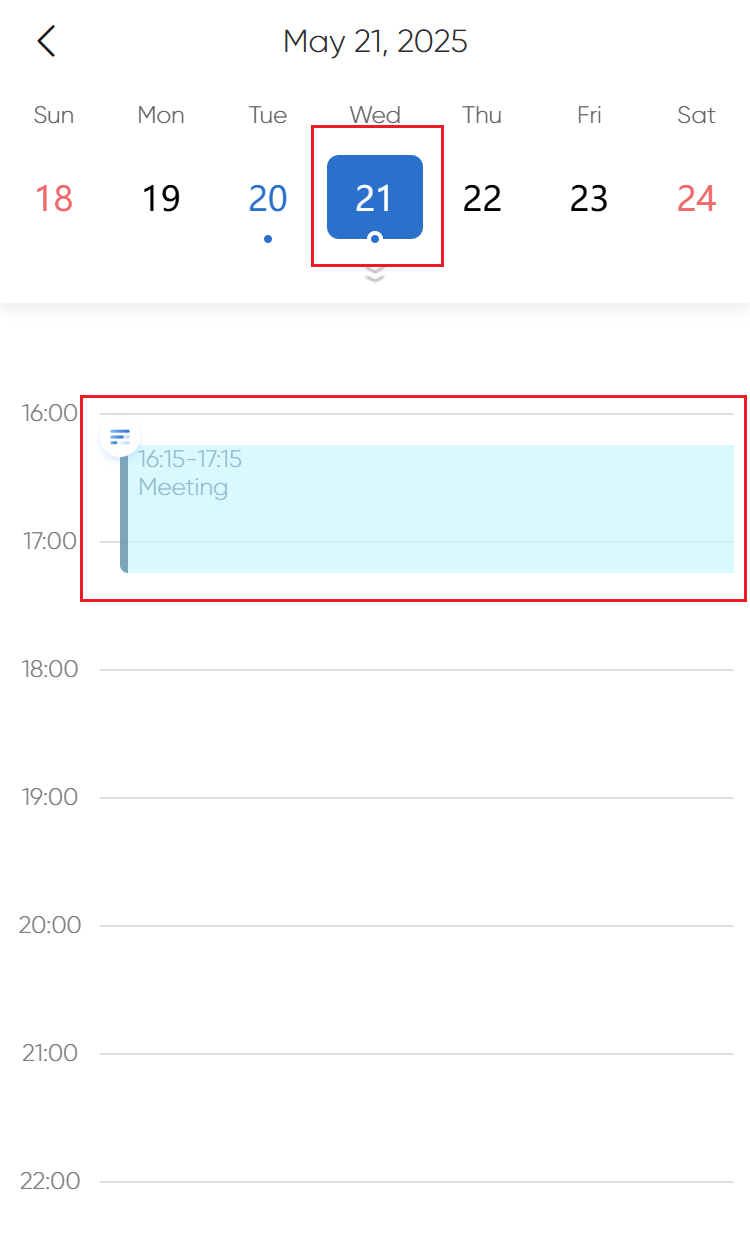
How to Add a Temporary Schedule?
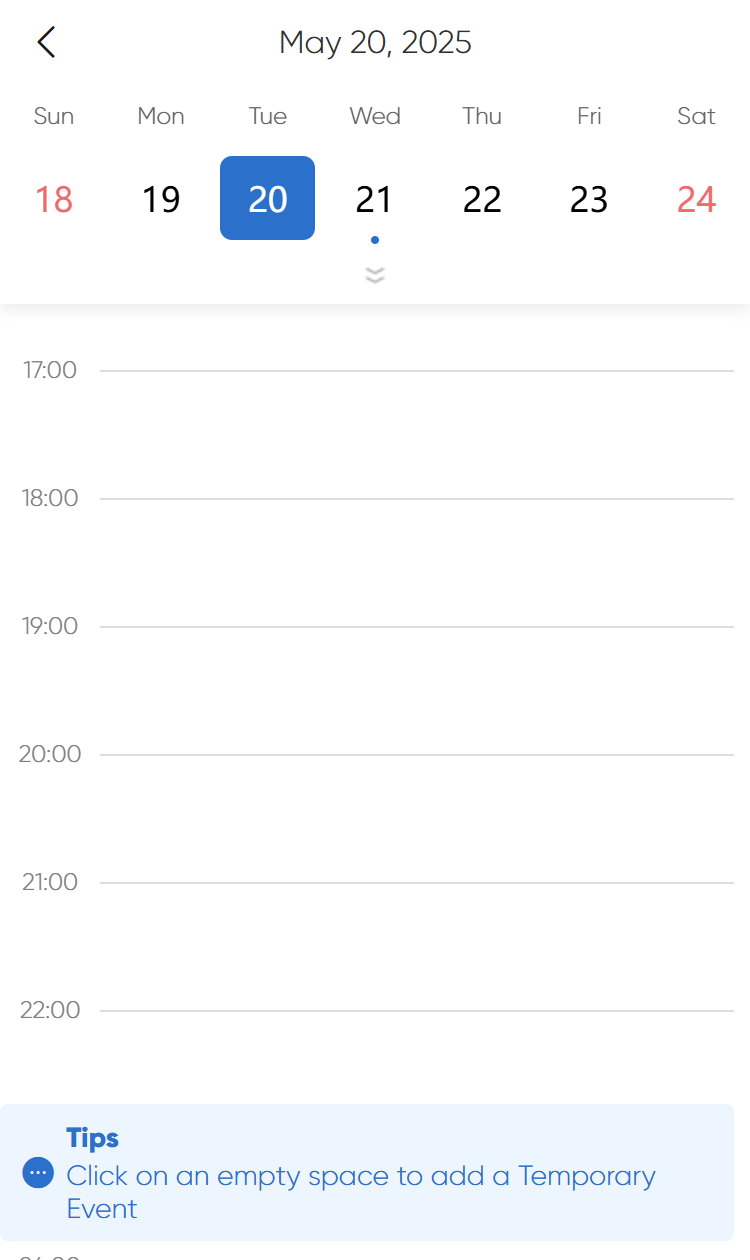
1.Click on the blank area to bring up the temporary schedule time block.
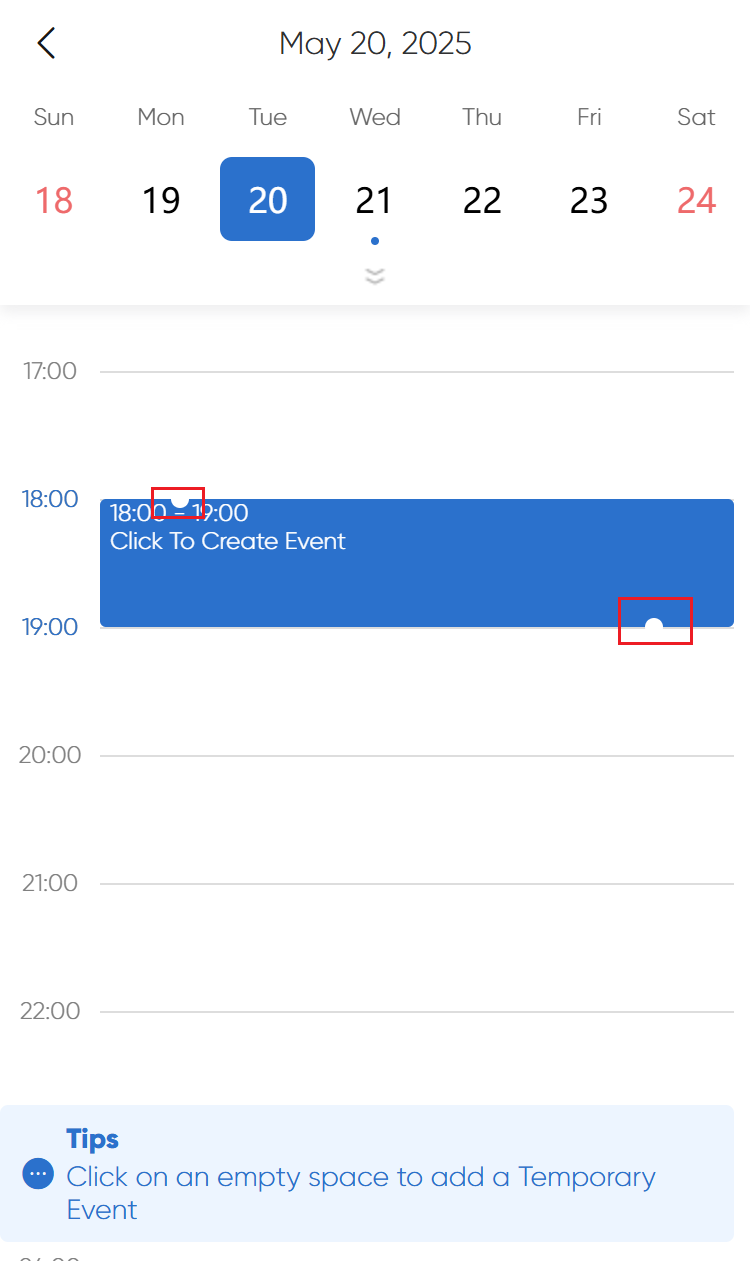
2.Drag the small white dot to adjust the duration.
3.Click the selected card again, enter the schedule name and select the occupied time.
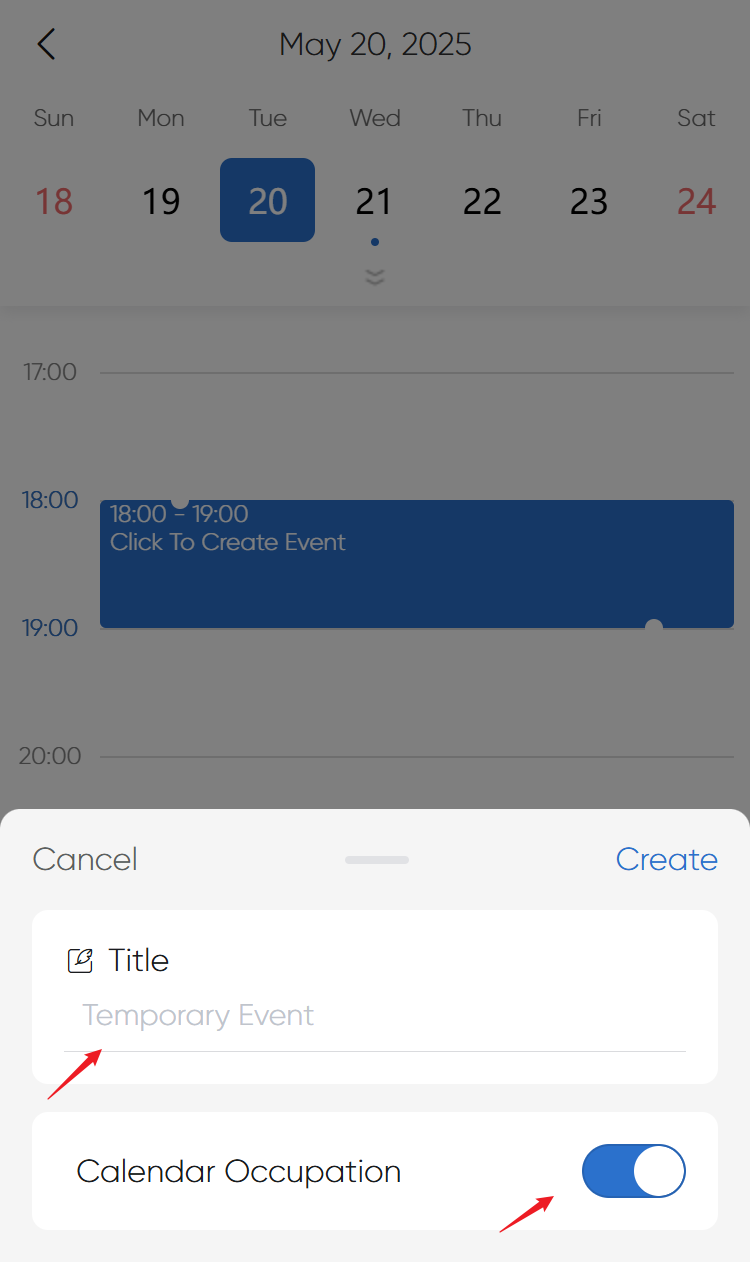
4.Complete the creation.
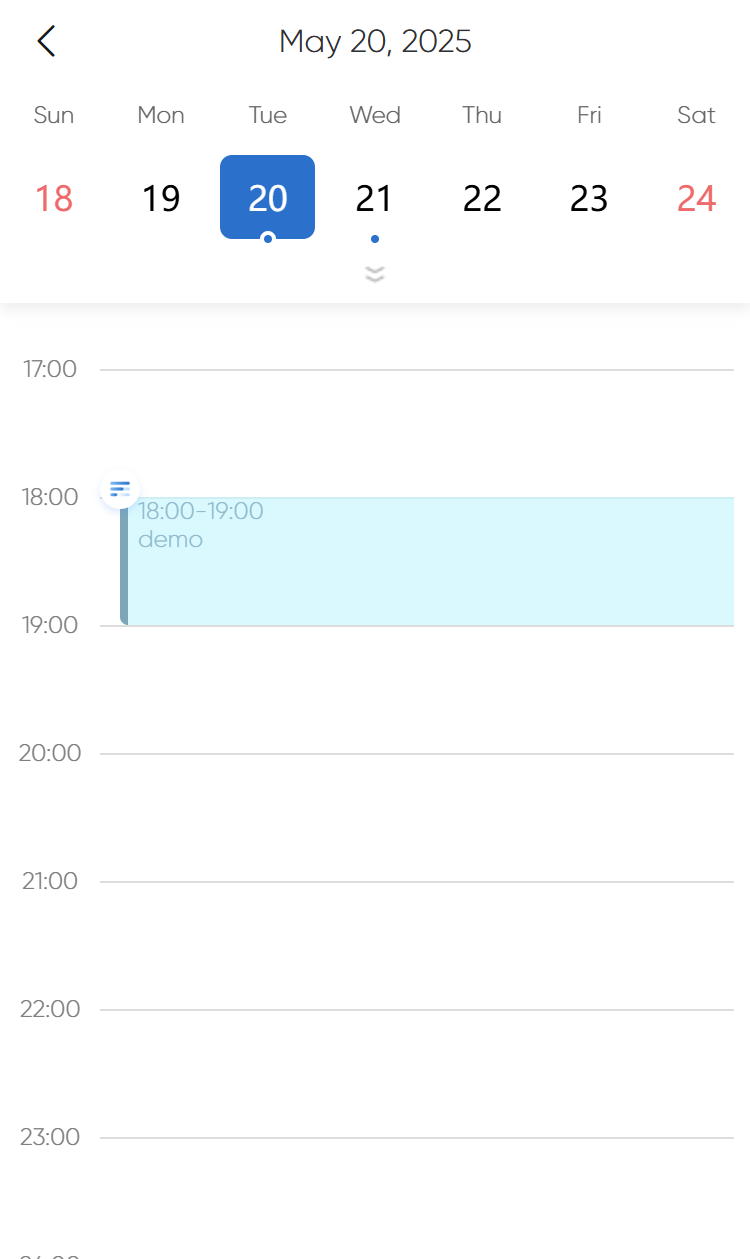
How to View Schedule Details?
Click on the schedule with a dot at the top of the page, find the corresponding time block, and click to view details.