web
step1
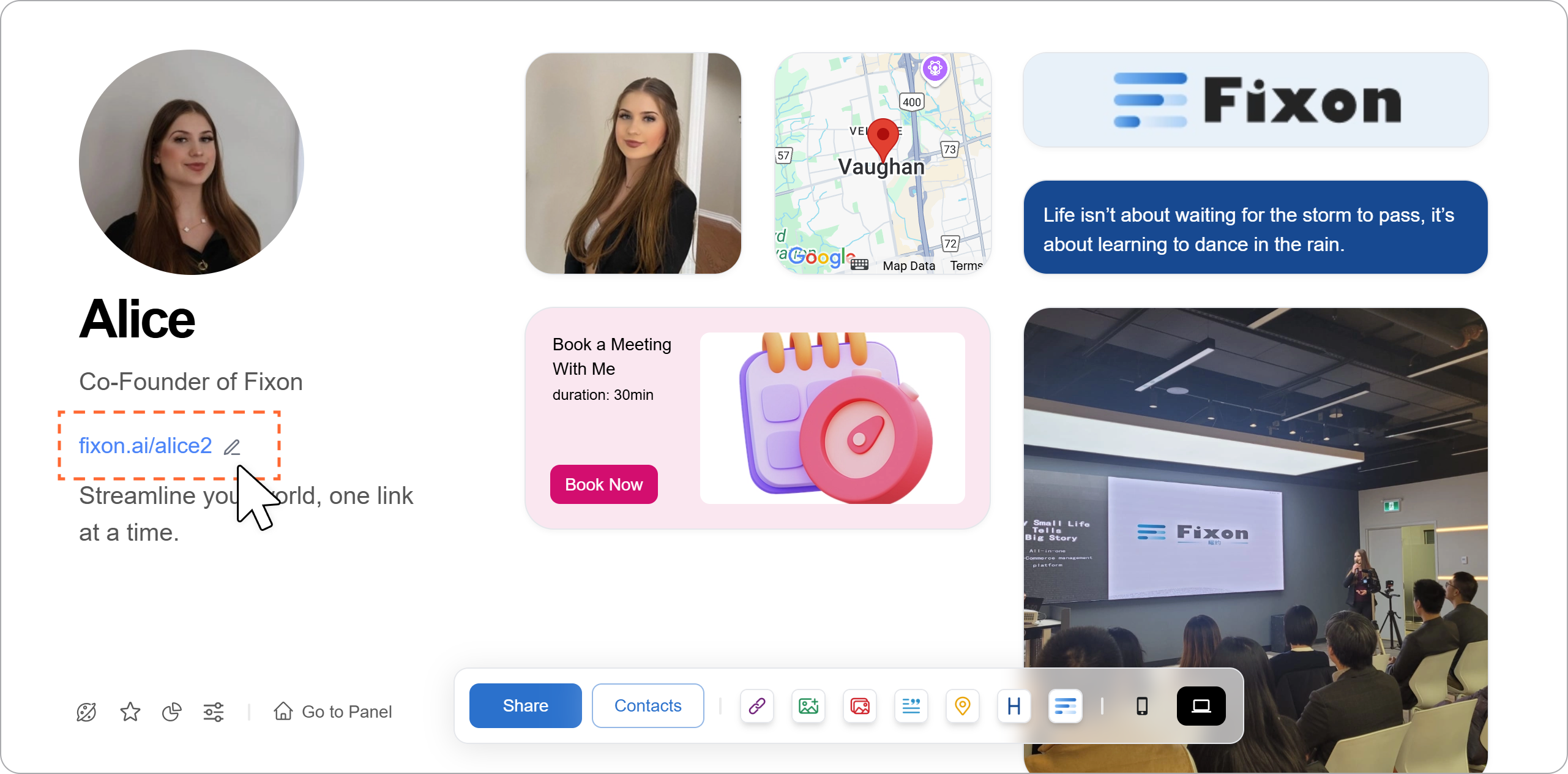
Click the edit icon next to the blue link on the left to open the sublink dialog.
step2
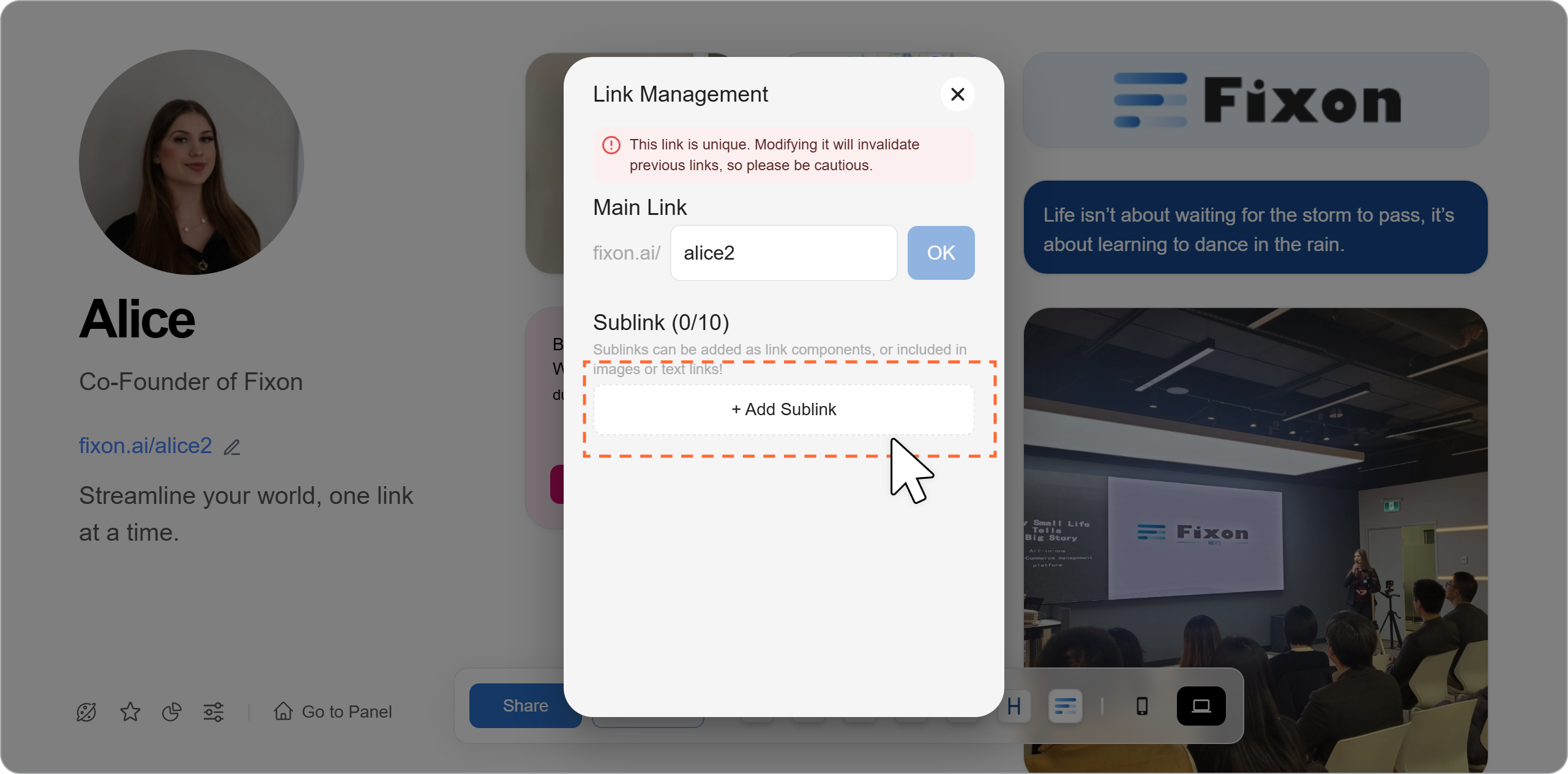
Click "Add Sublink," and the system will automatically generate a sublink for you.
step3
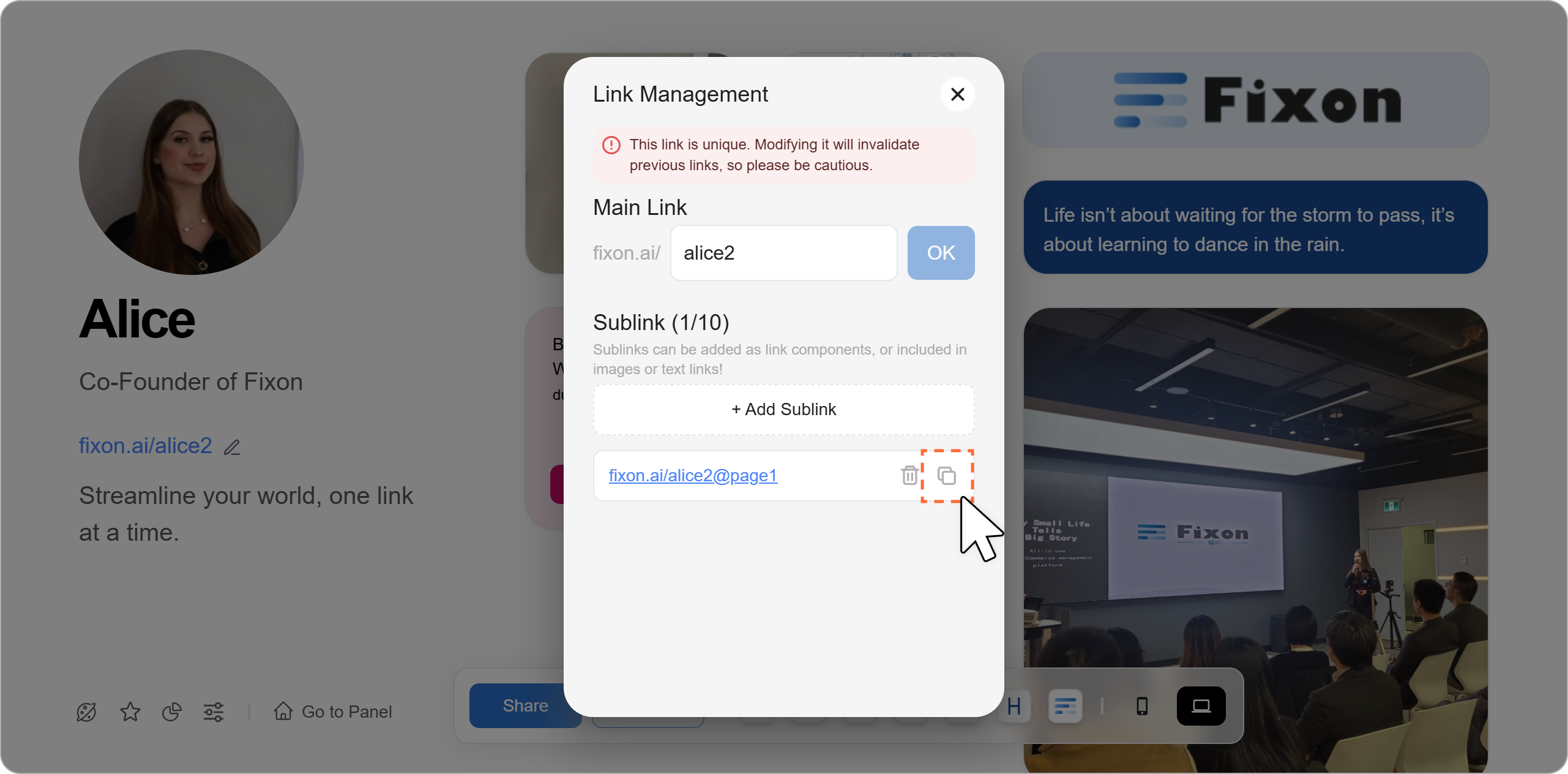
To edit the sublink, simply click the blue link directly. To copy the link, click the "Copy" button on the right side of the sublink.
step4 Apply the Sublink to an Image Component
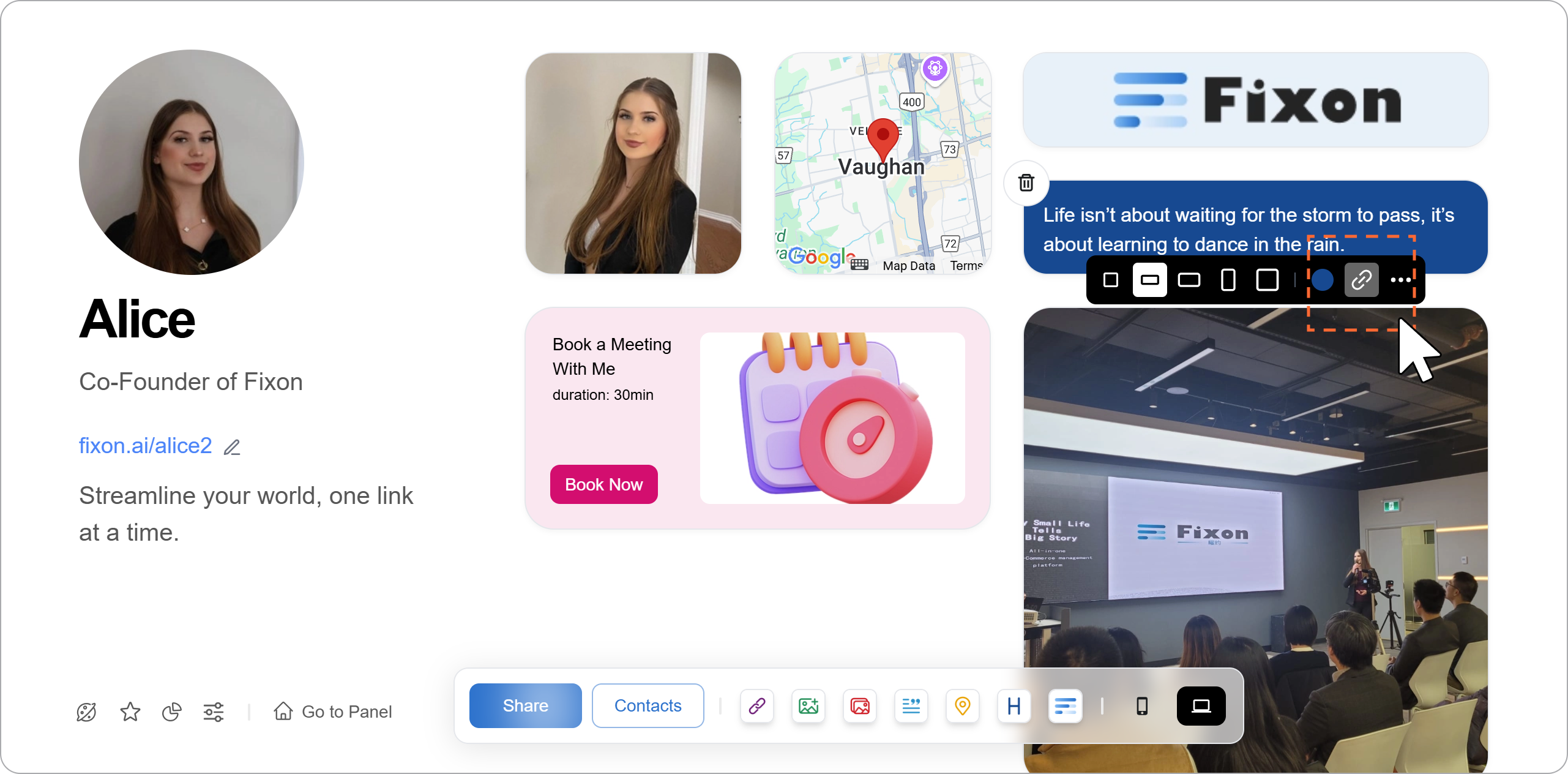
Select the image component and click the "🔗" icon below. Paste the sublink into the provided field.

step5 Apply the Sublink to a Note Component
Select the note component and click the "🔗" icon below. Paste the sublink into the provided field.
phone
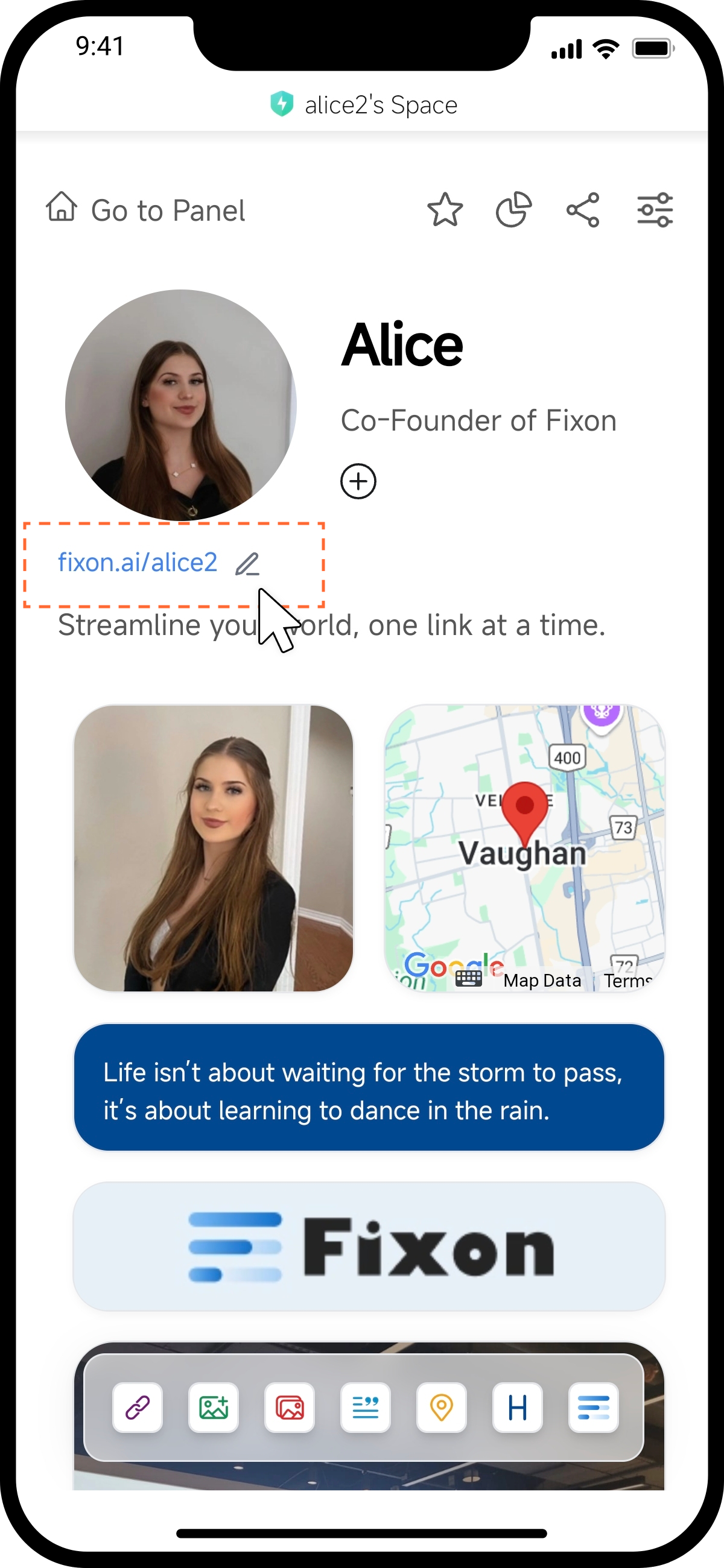
step1
Tap the edit icon next to the blue link to open the sublink dialog.
step2
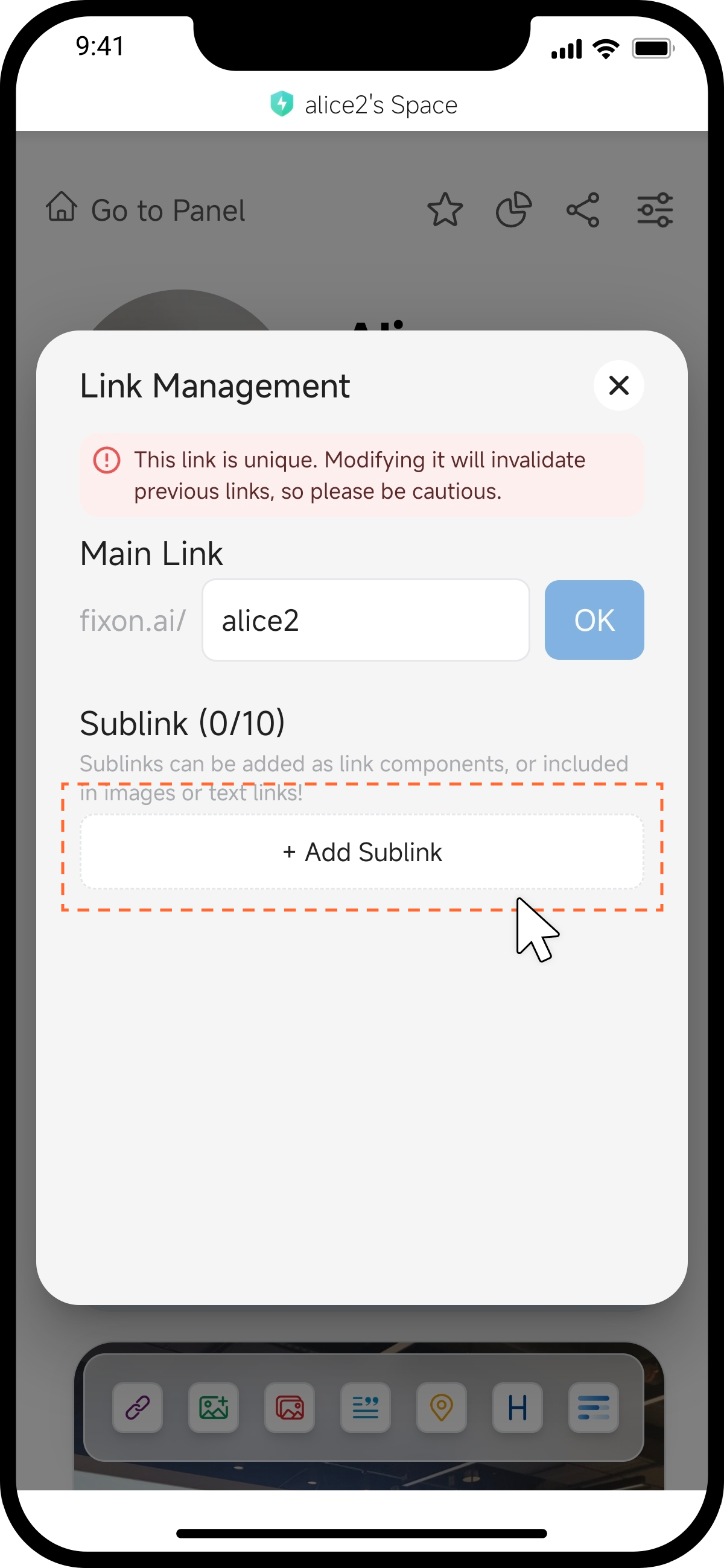
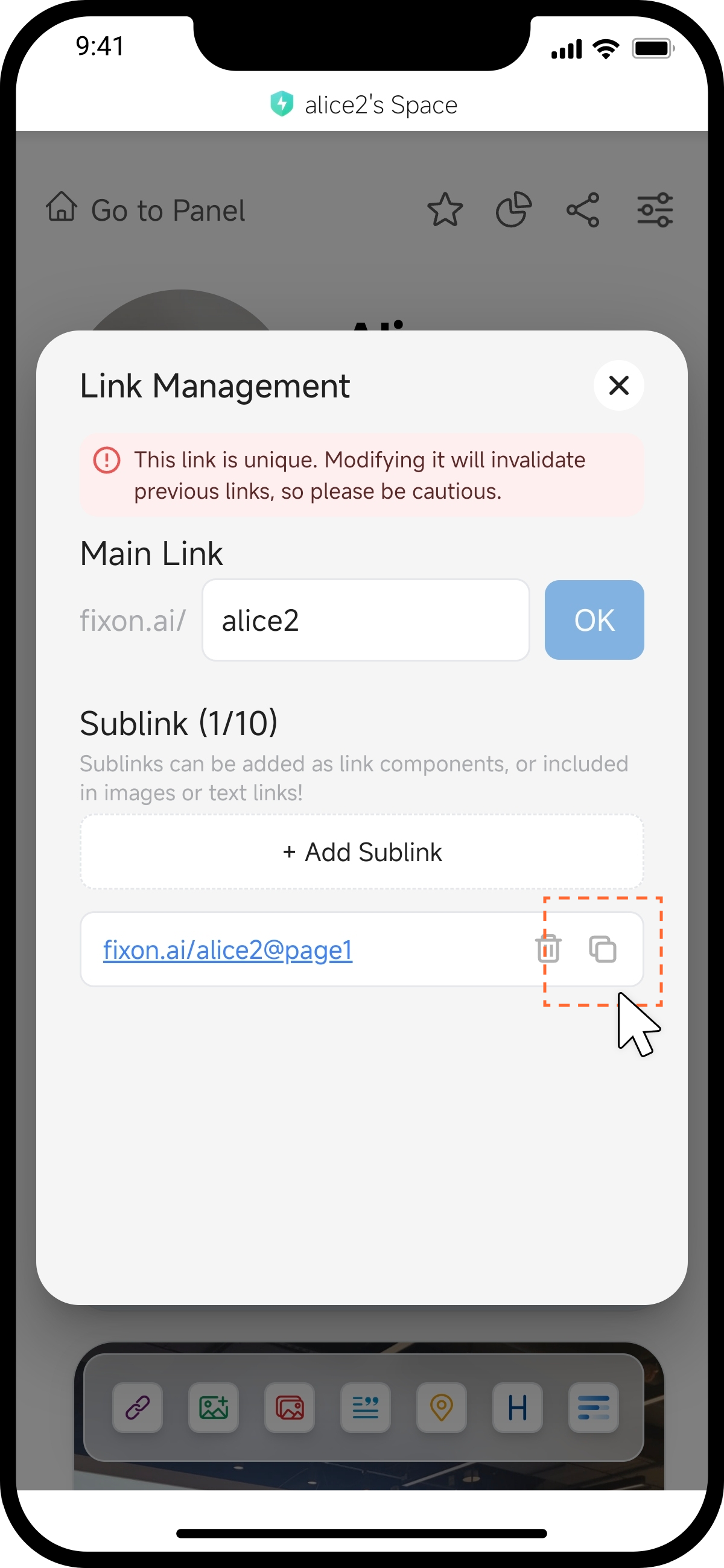
Tap "Add Sublink," and the system will automatically generate a sublink for you.
step3
To edit the sublink, simply tap the blue link directly. To copy the link, tap the "Copy" button on the right side of the sublink.
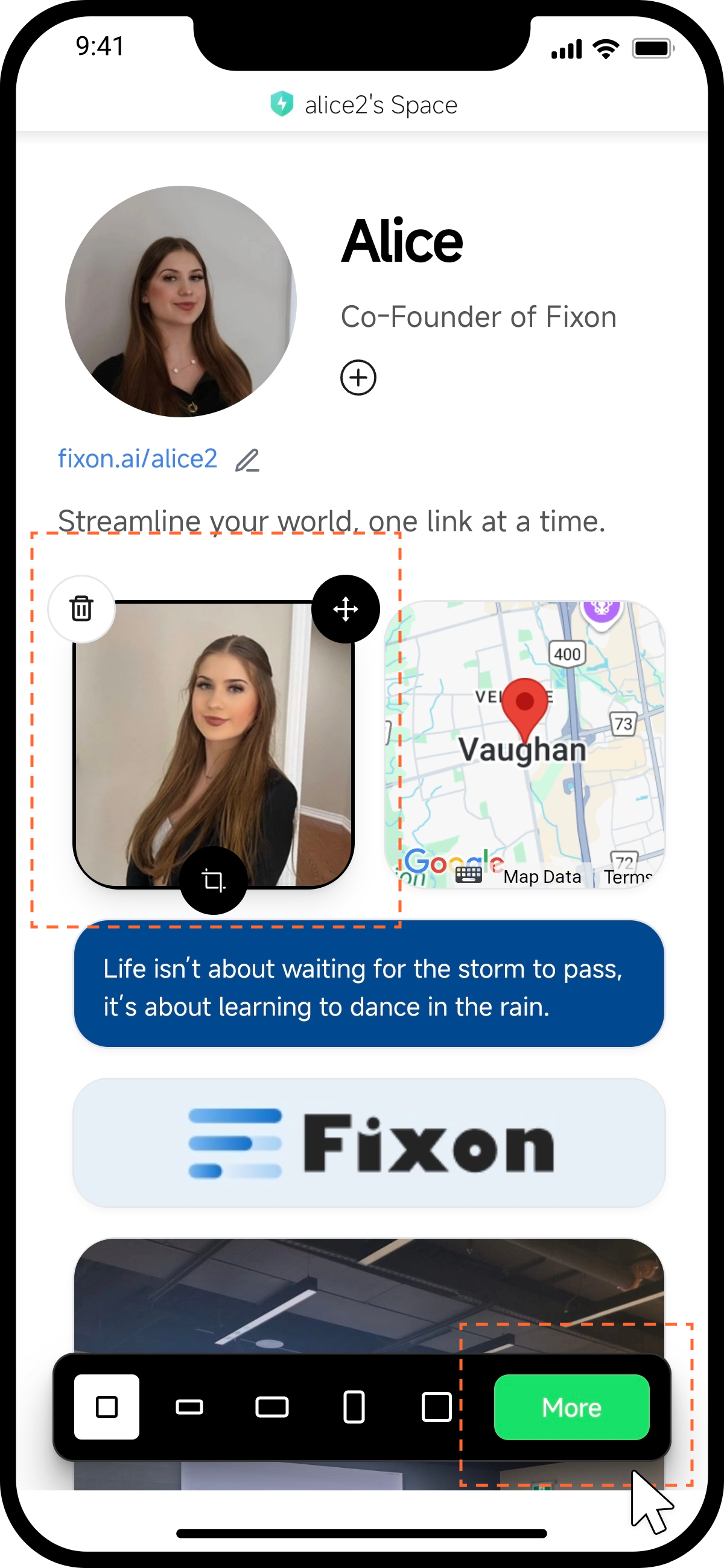
step4 Apply the Sublink to an Image Component
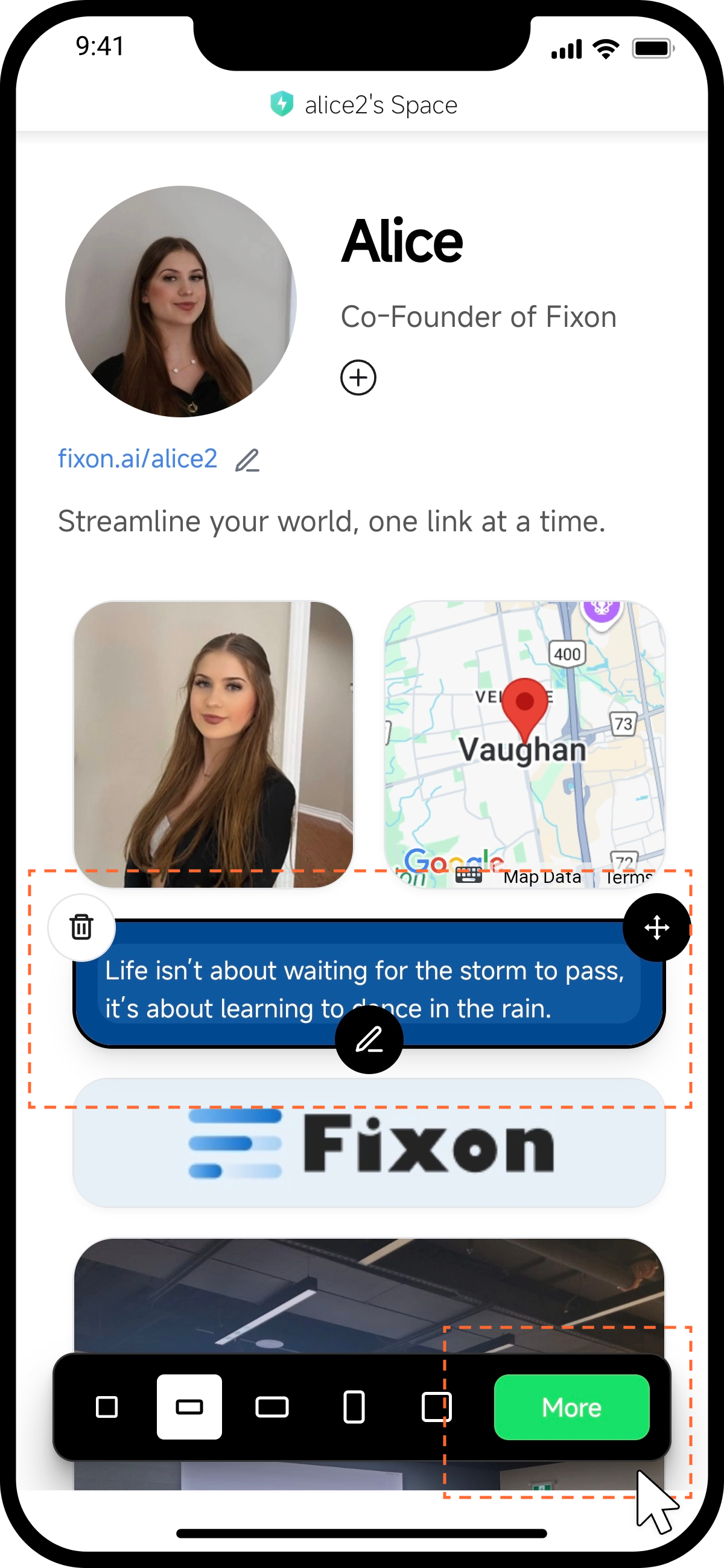
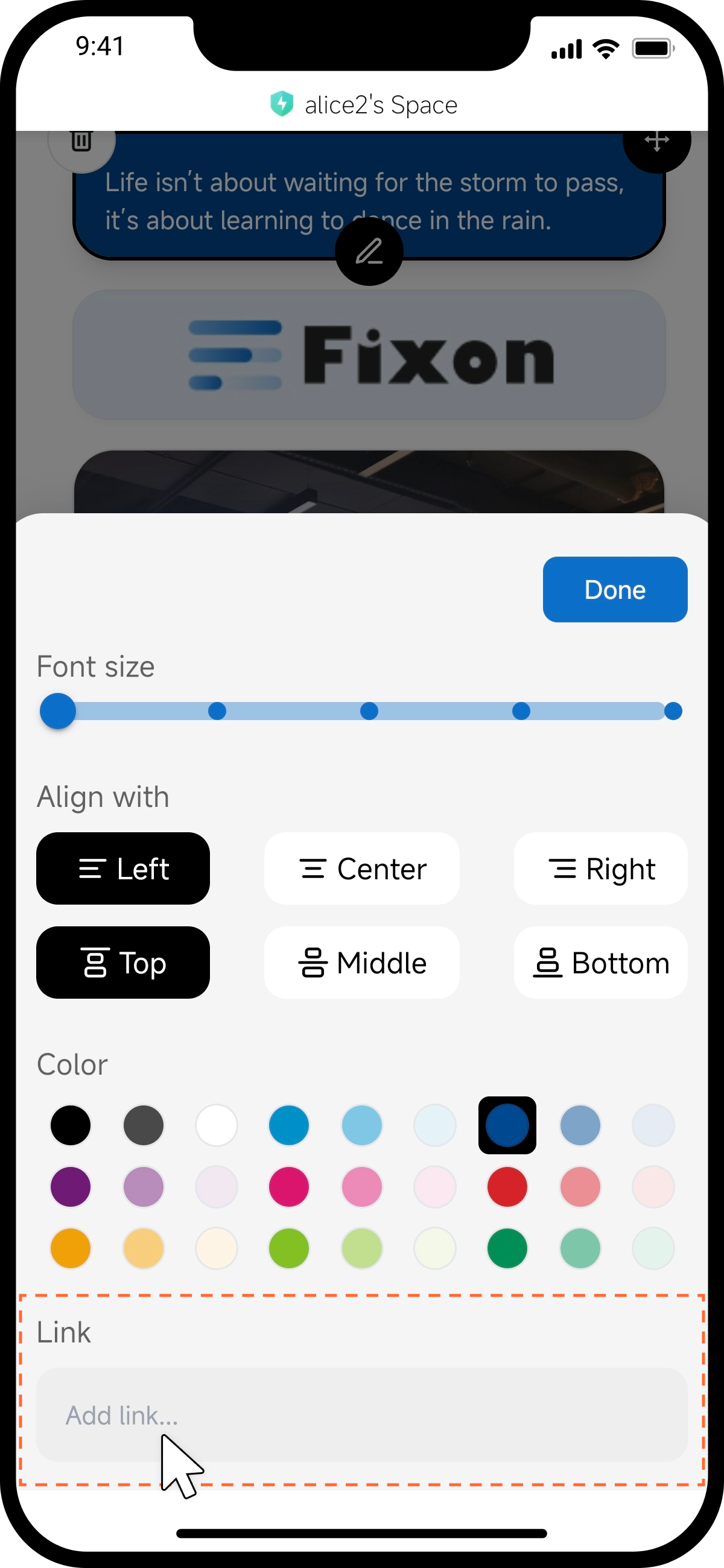
Select the image component and tap the "More" button below. In the dialog that appears, locate the link input field and paste the sublink there.
step5 Apply the Sublink to an Note Component
Select the note component and tap the "More" button below. In the dialog that appears, locate the link input field and paste the sublink there.