web/phone
step1
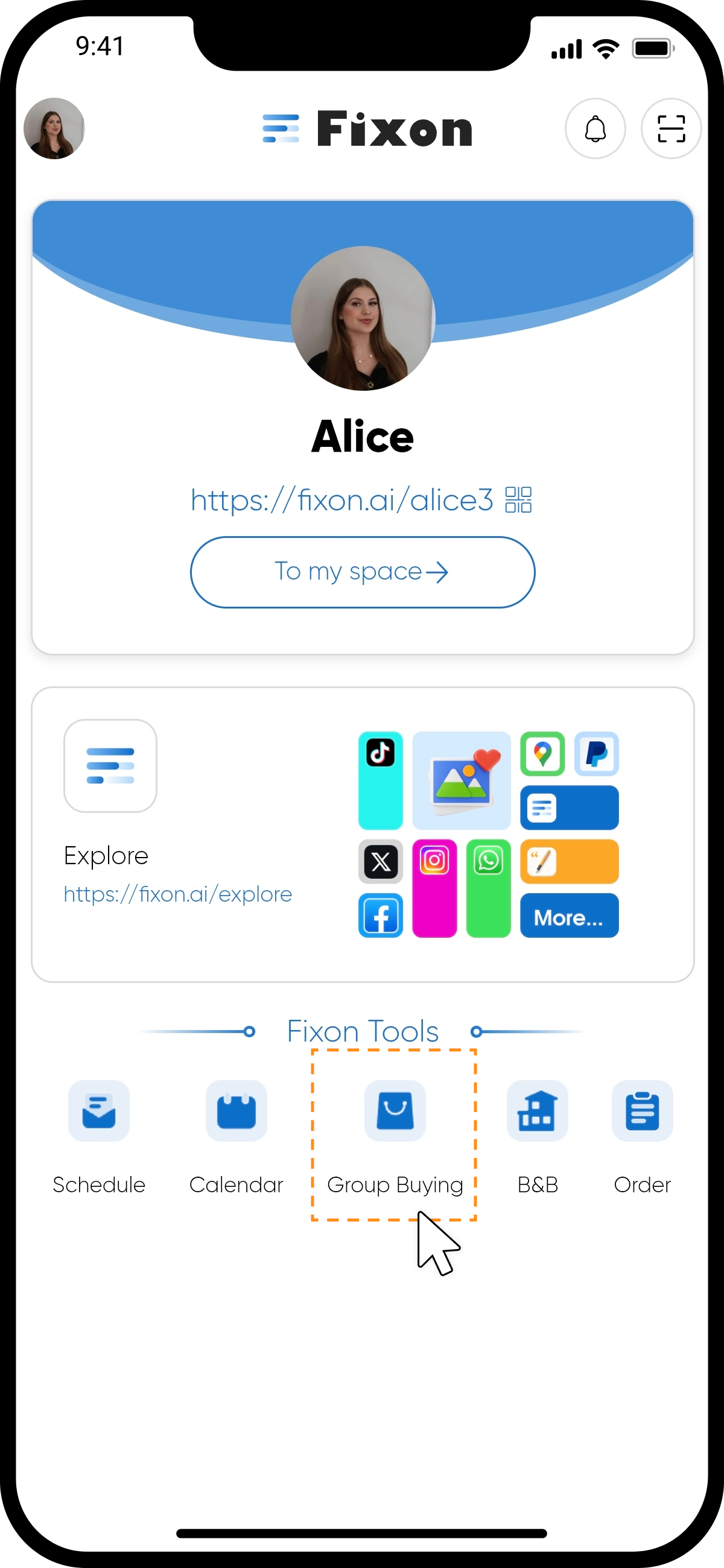
Start by clicking the "Group Buying" icon on the panel.
step2
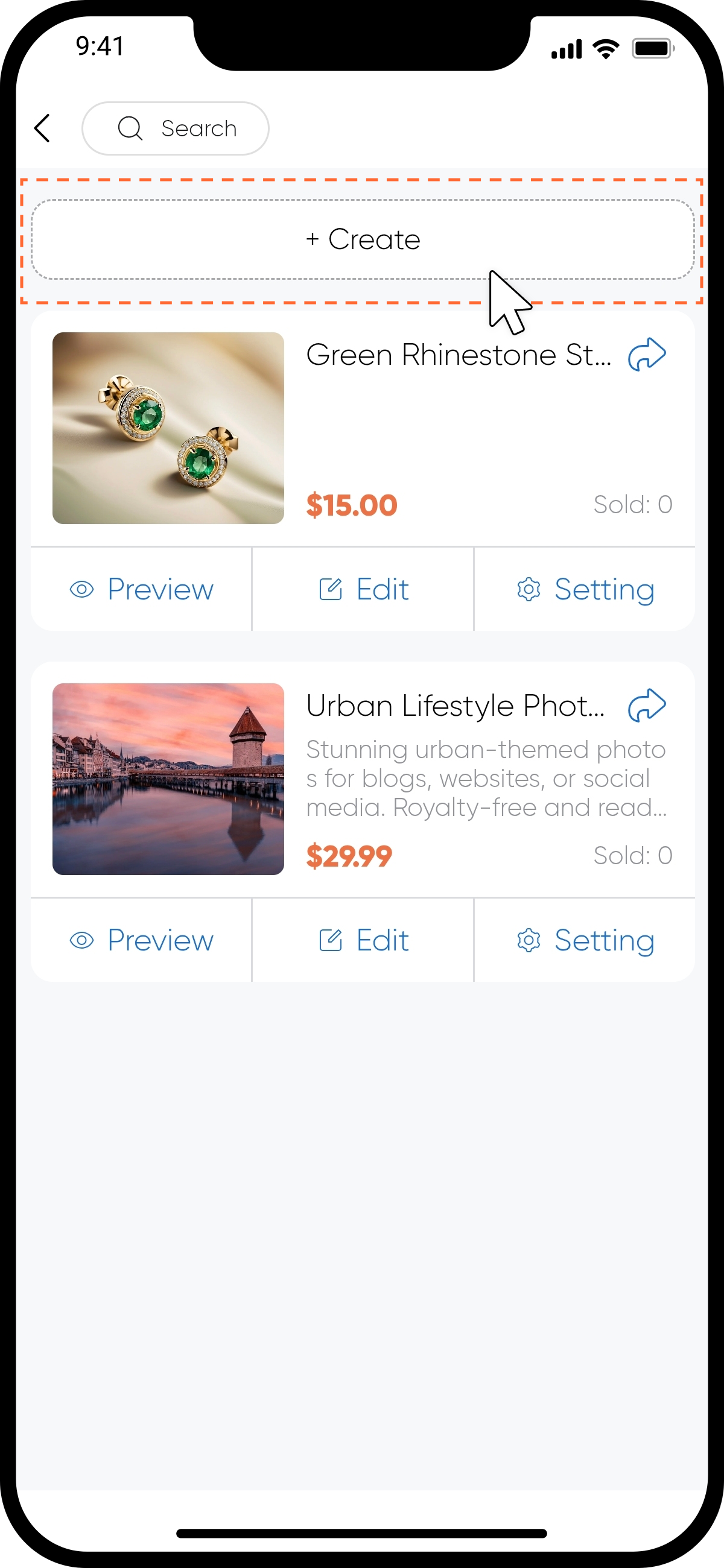
Click "+Create" at the top of the page. Select the type of good you want to create.
step3
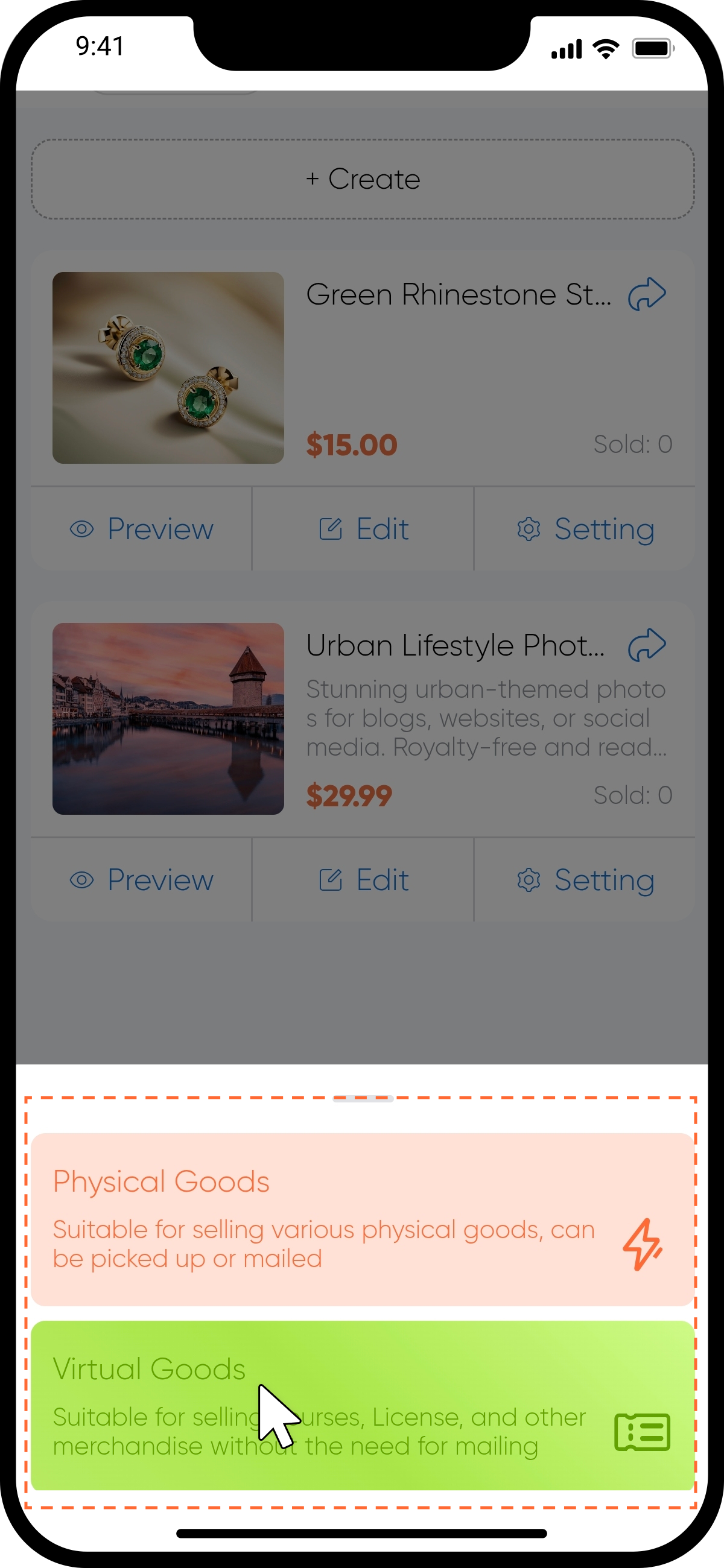
Choose between "Physical Goods" or "Virtual Goods". For this tutorial, we’ll use a "Physical Goods" as an example.
step4 Single-Variant Goods
Fill in the Product Name, Stock, and other details, then click "Create Product" to complete the process.
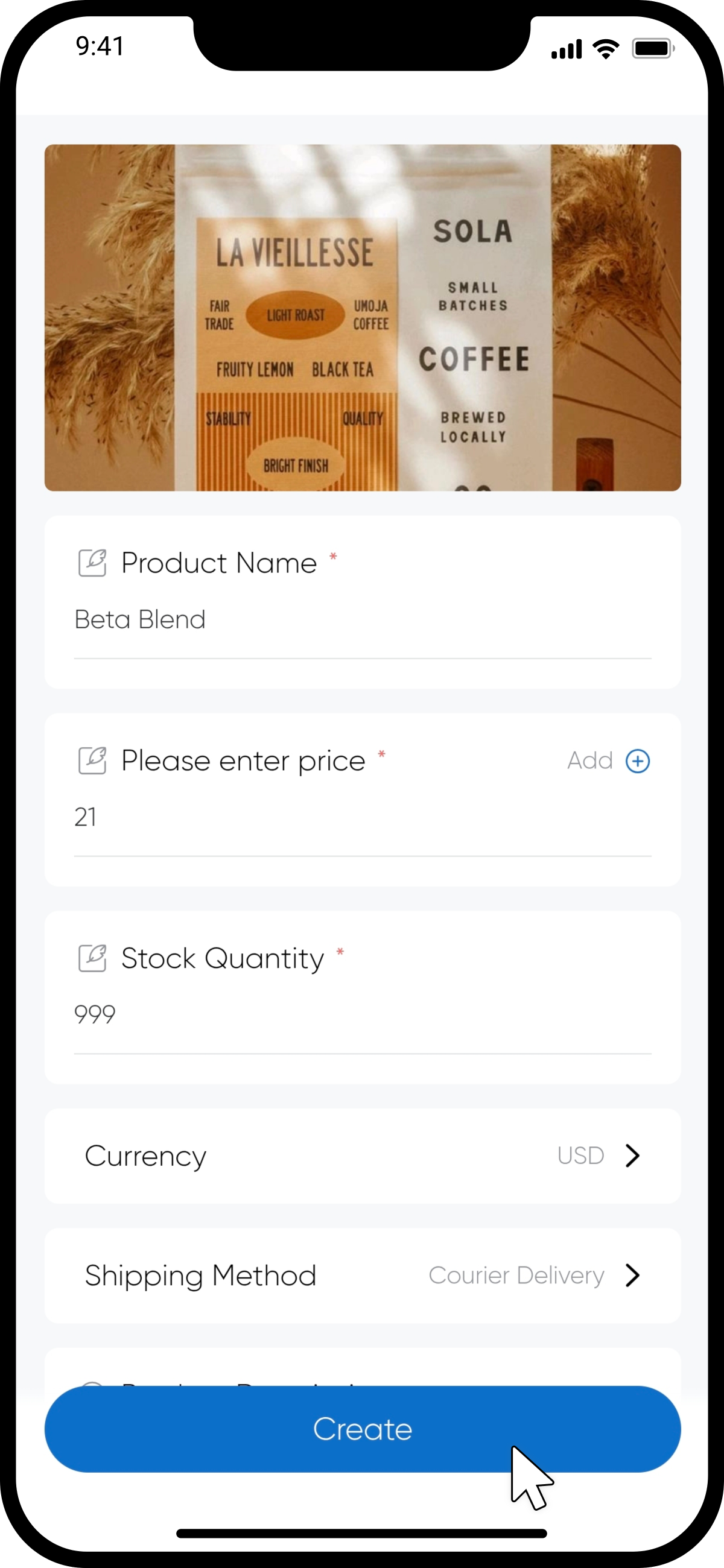
step5 Multi-Variant Goods
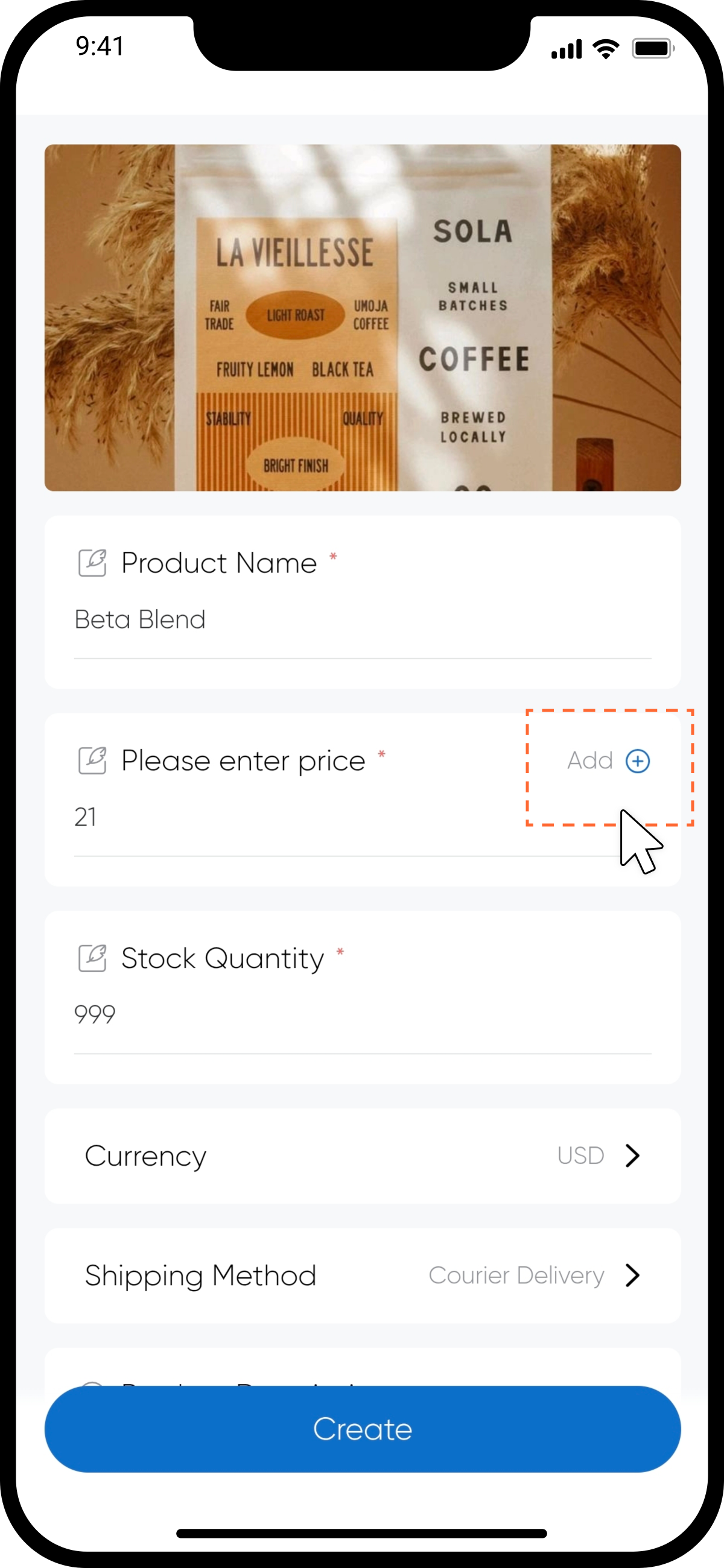
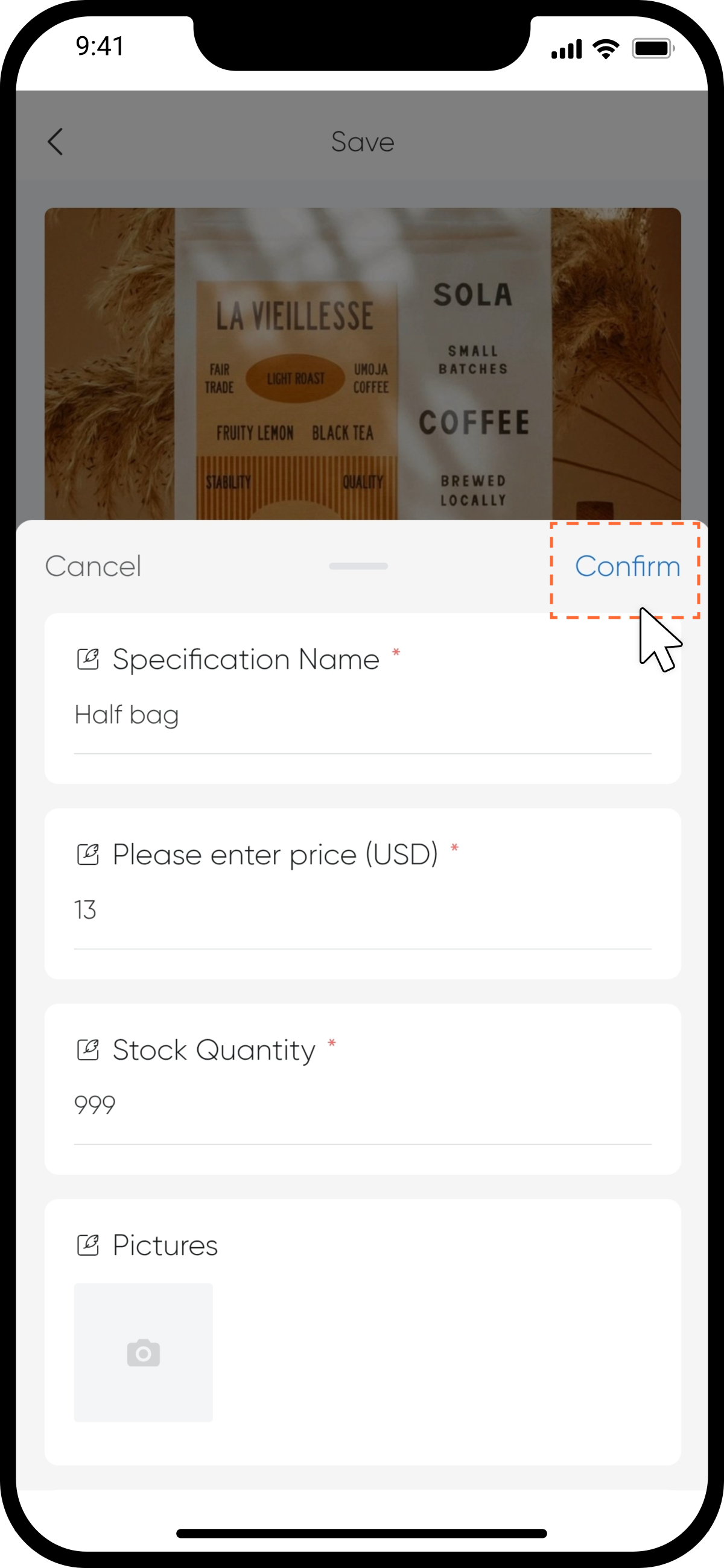
Fill in the Product Name, Stock, and other details, then click "Add" to input variant-specific information.
step6
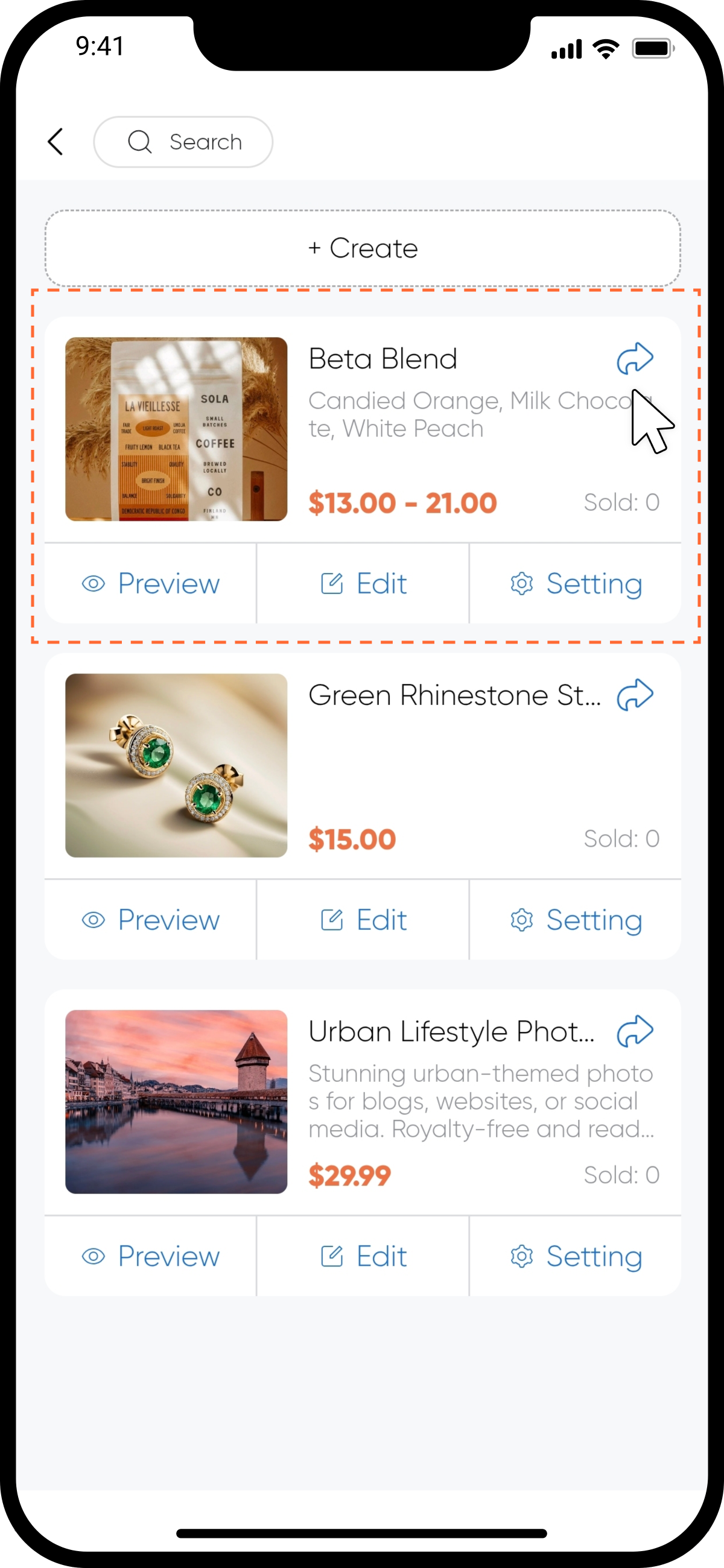
Once created, your good will appear in the product list. To share it, click the "Share" icon in the top-right corner of the good card and copy the good link.