web/phone
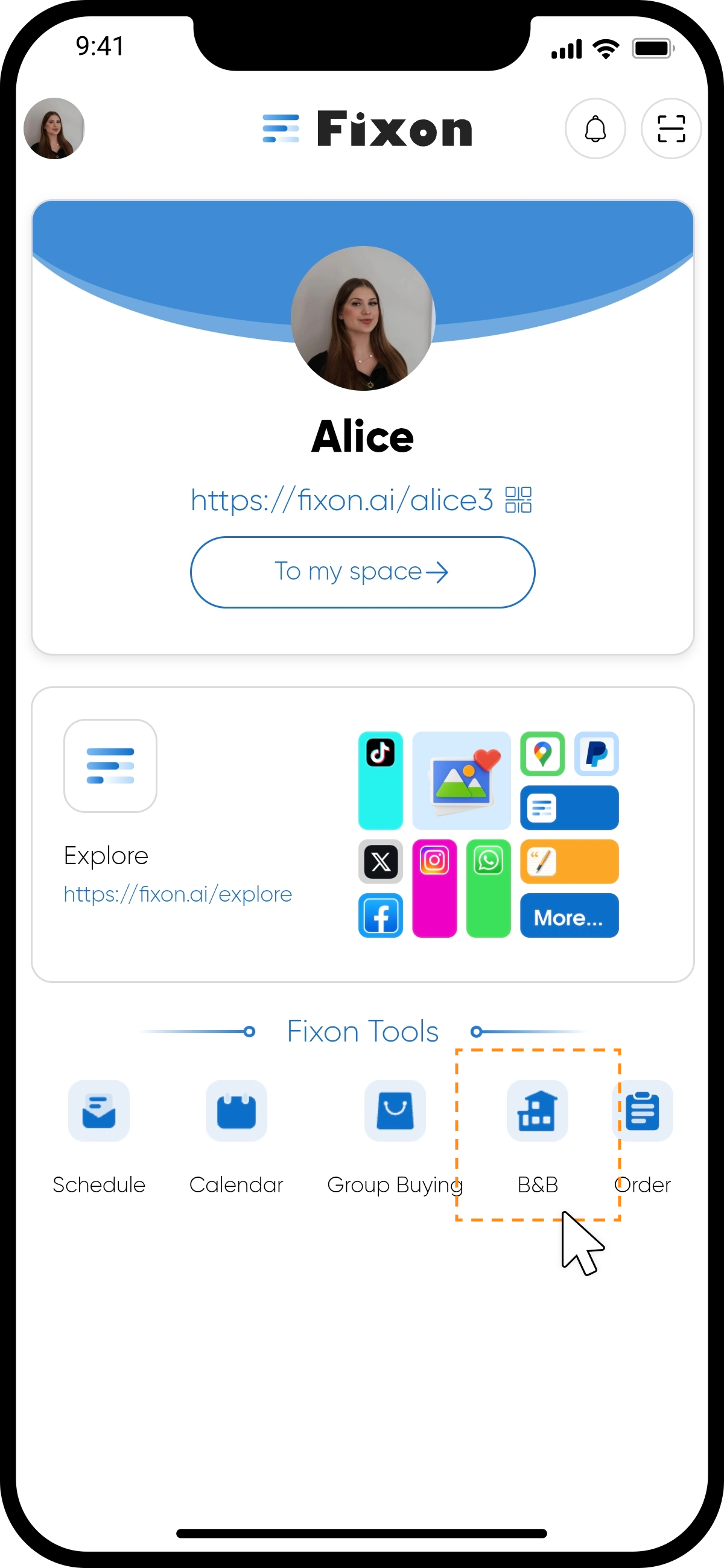
step1
Tap the "B&B" icon on the homepage to enter the page.
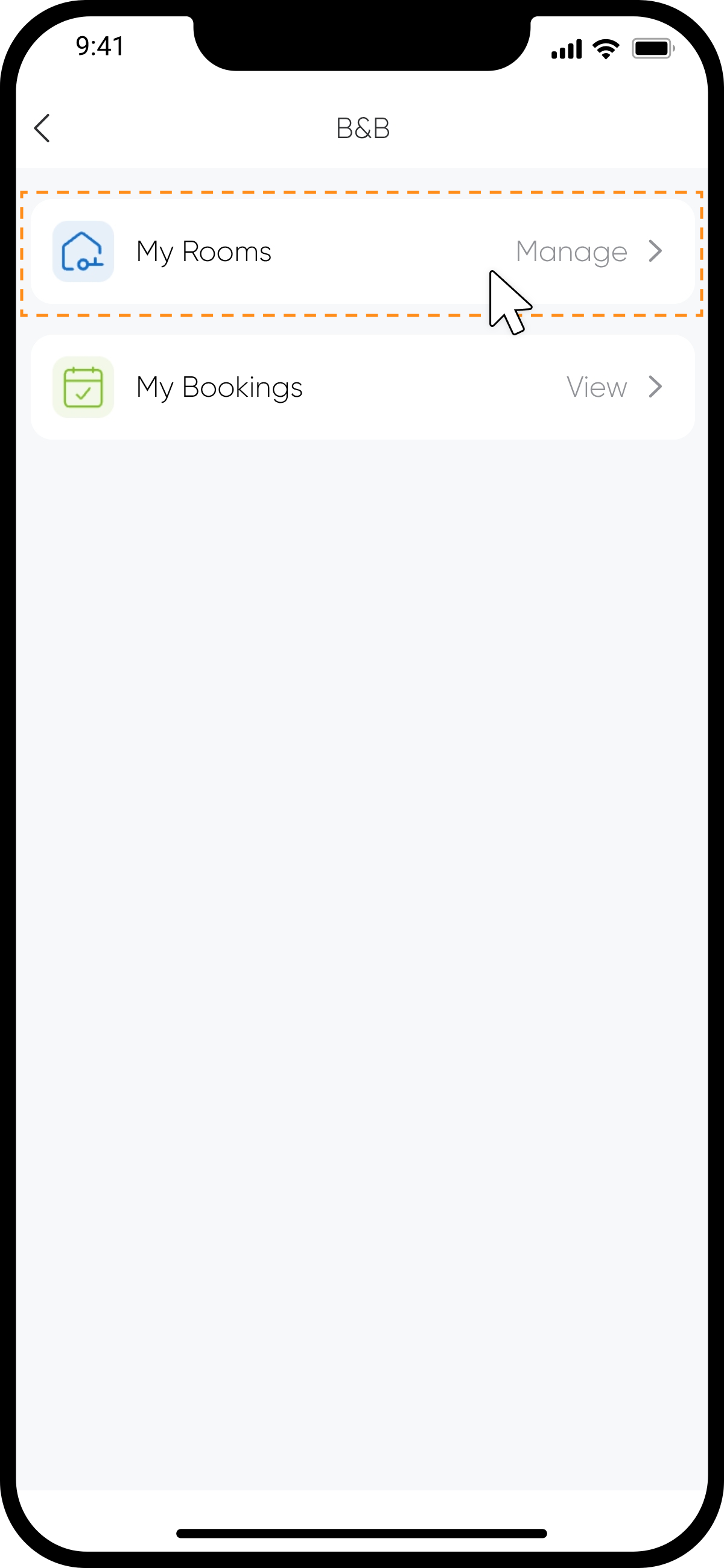
step2
Tap "My Rooms" at the top of the page to access the room listings.
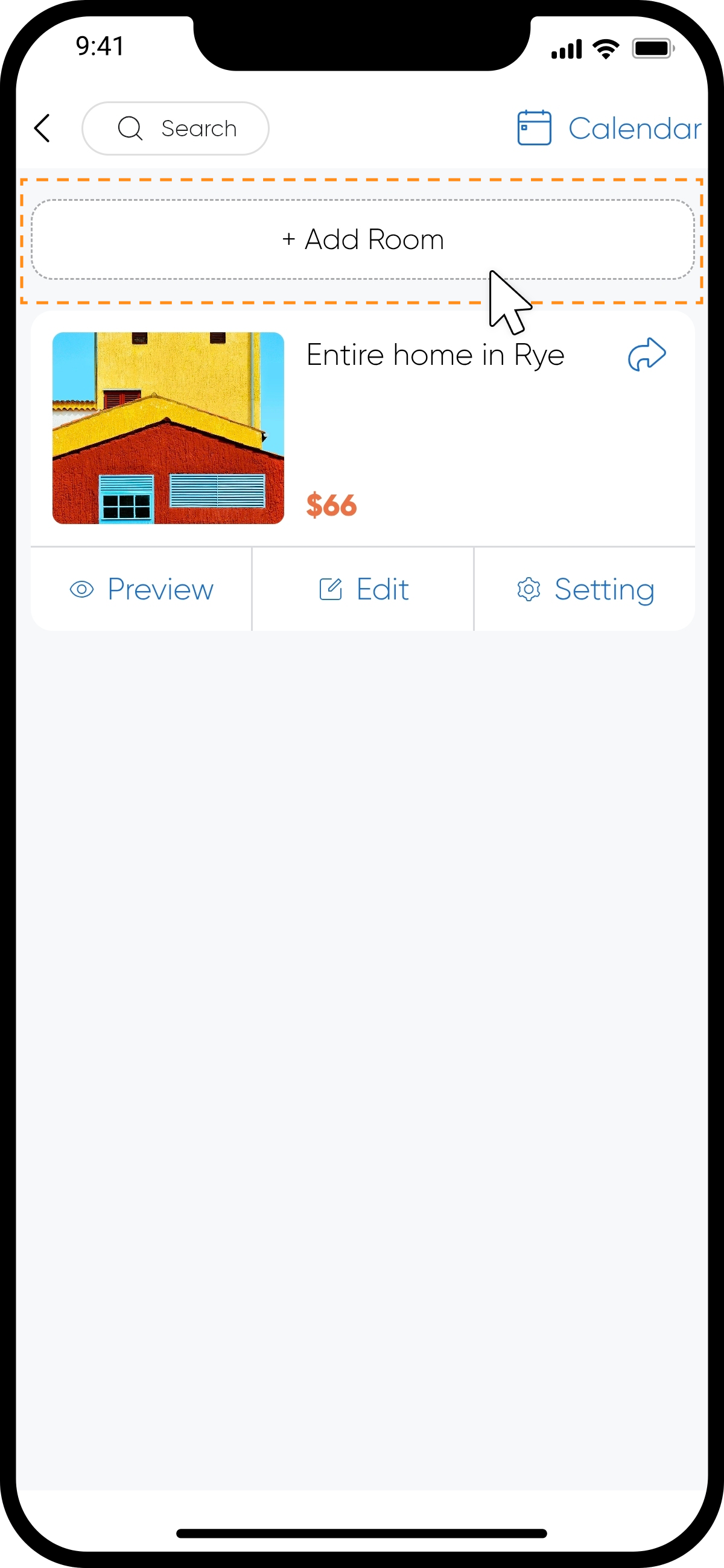
step3
Tap "Add Room" at the top of the page to start the room creation process.
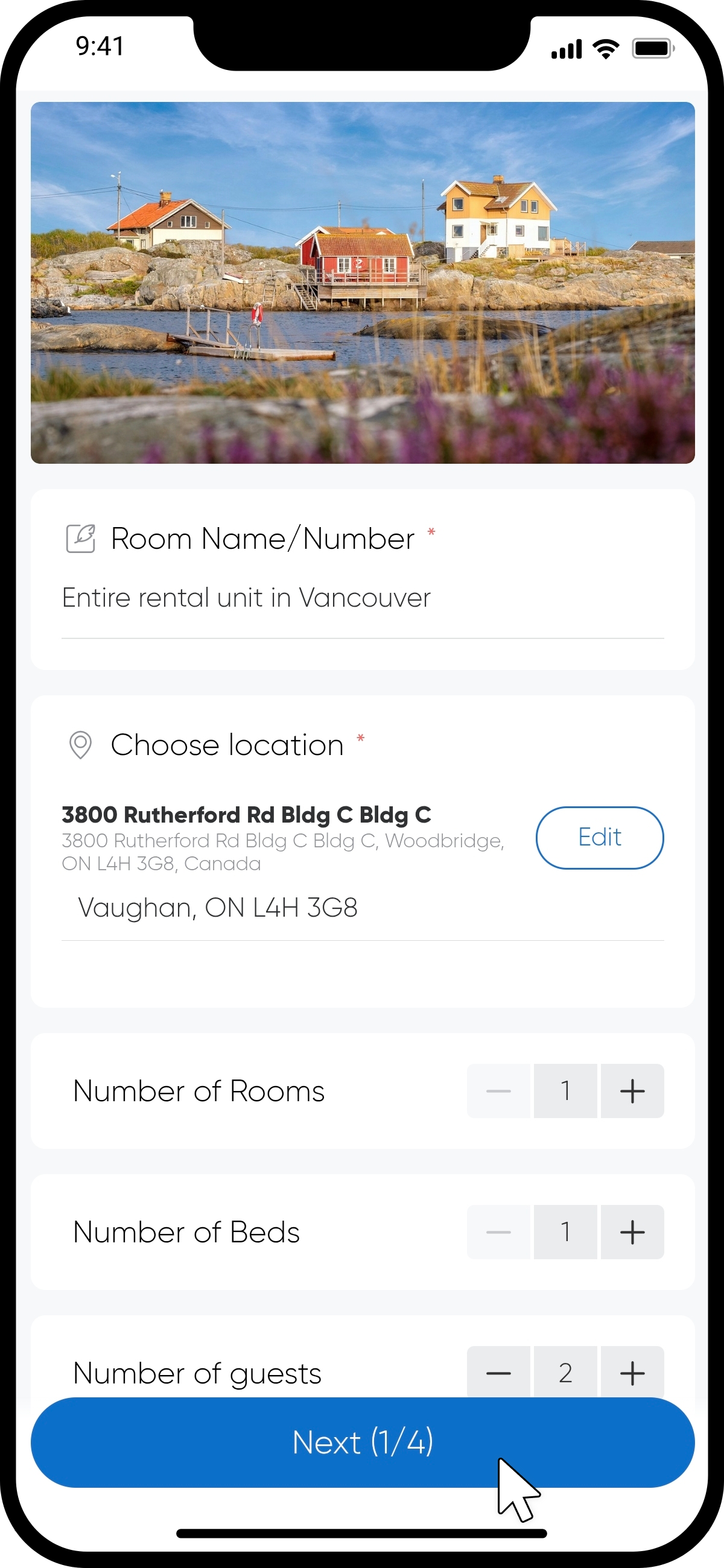
step4 Fill in Basic Room Information
Complete the basic information about the room on the page, including photos, name, location, and room amenities. Then tap "Next".
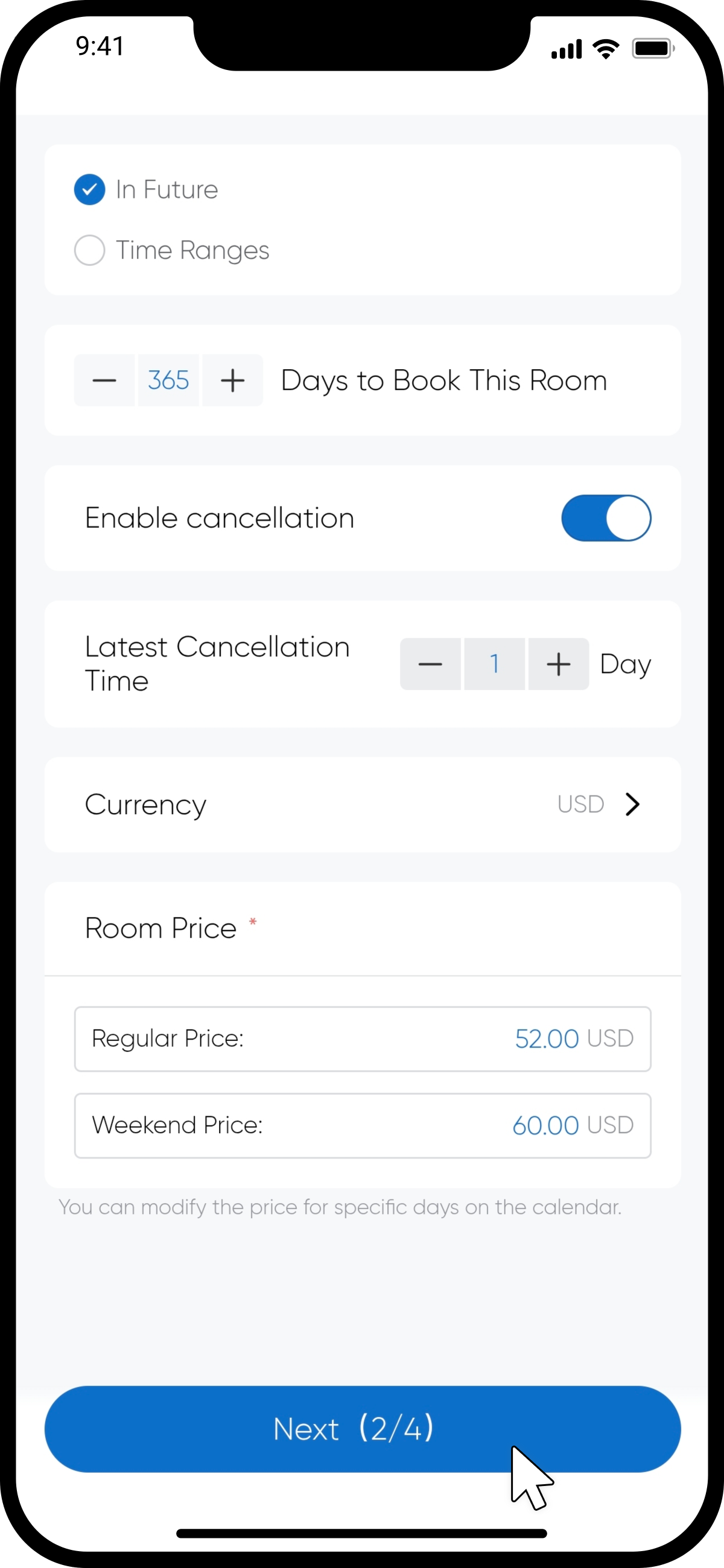
step5 Set Pricing and Availability
The default availability is set for the next year, allowing users to view the room's booking status for that period. You can modify this setting as needed. After entering the price, tap "Next".
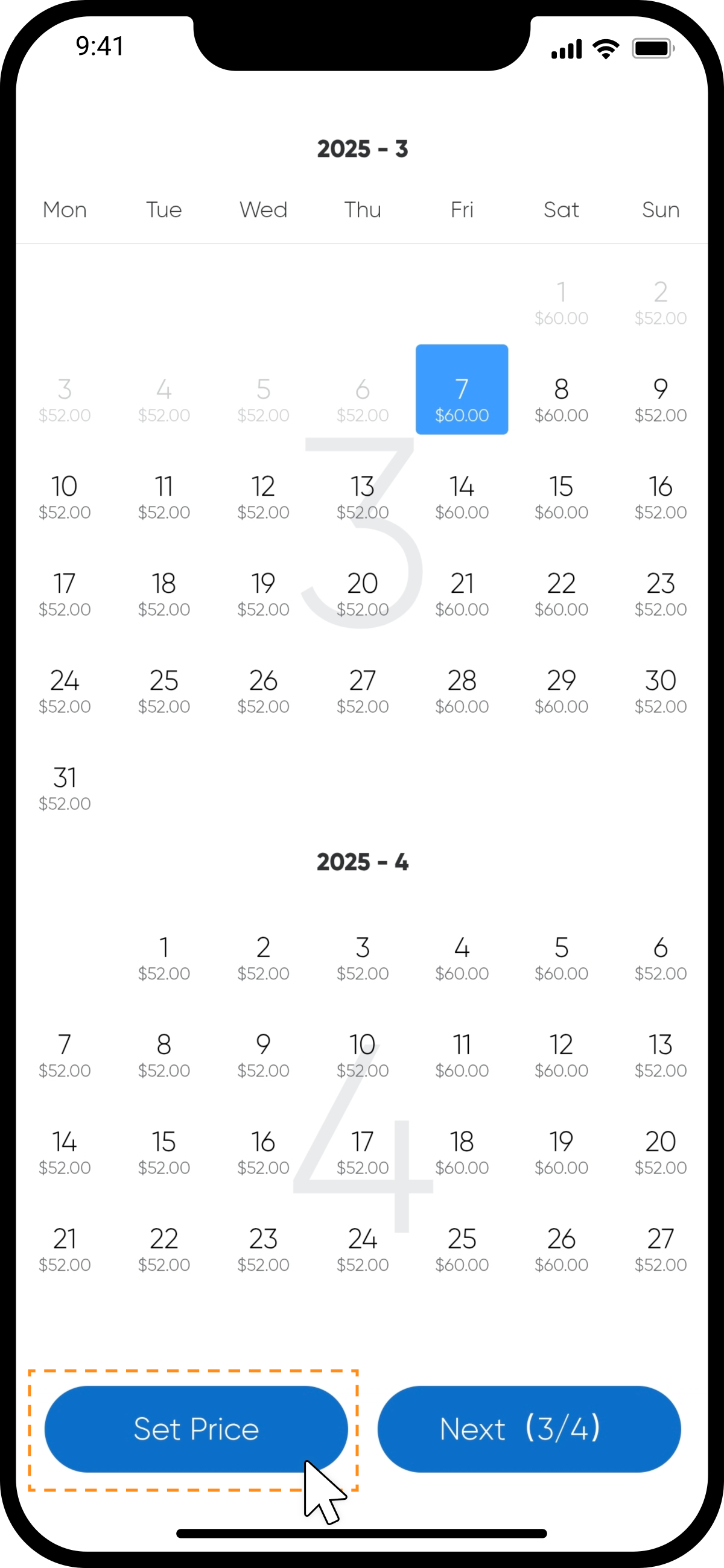
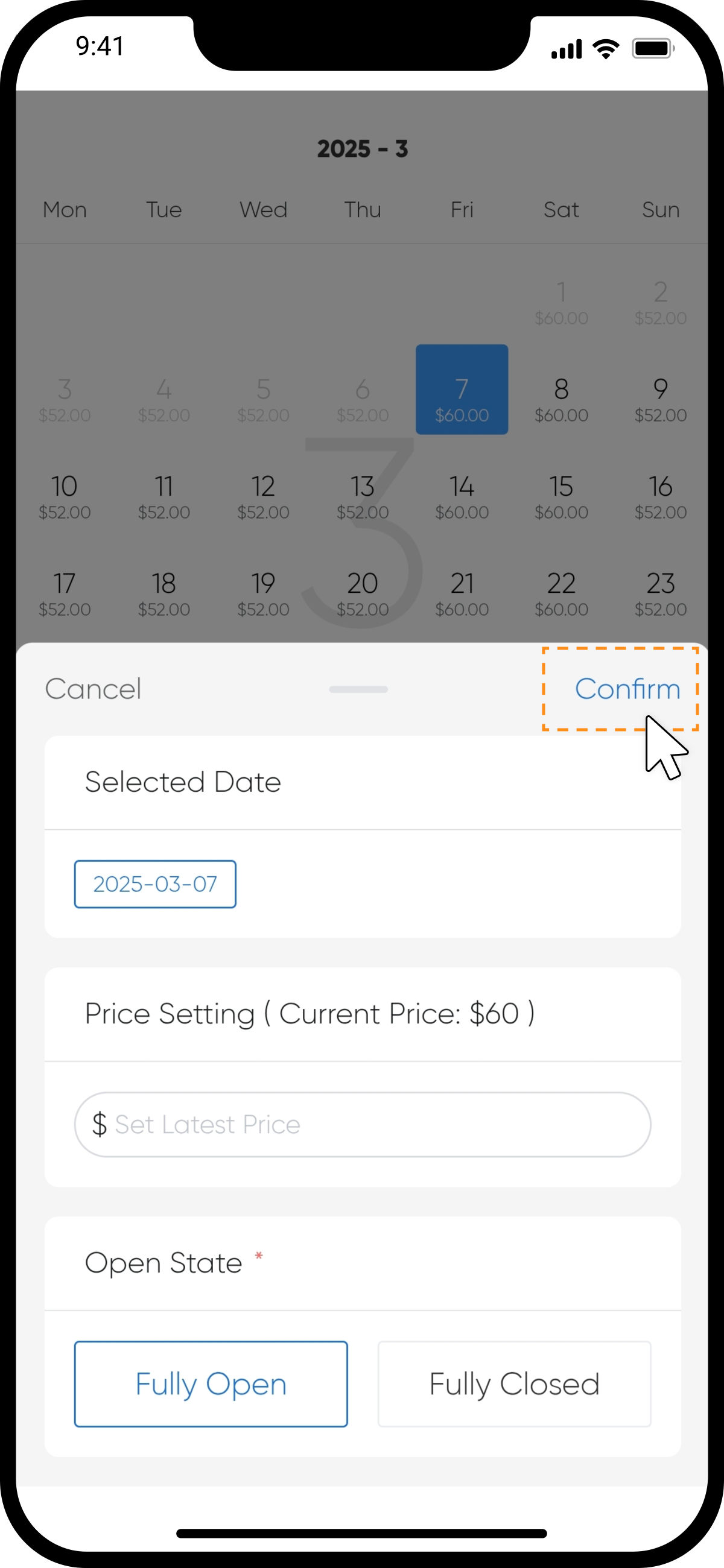
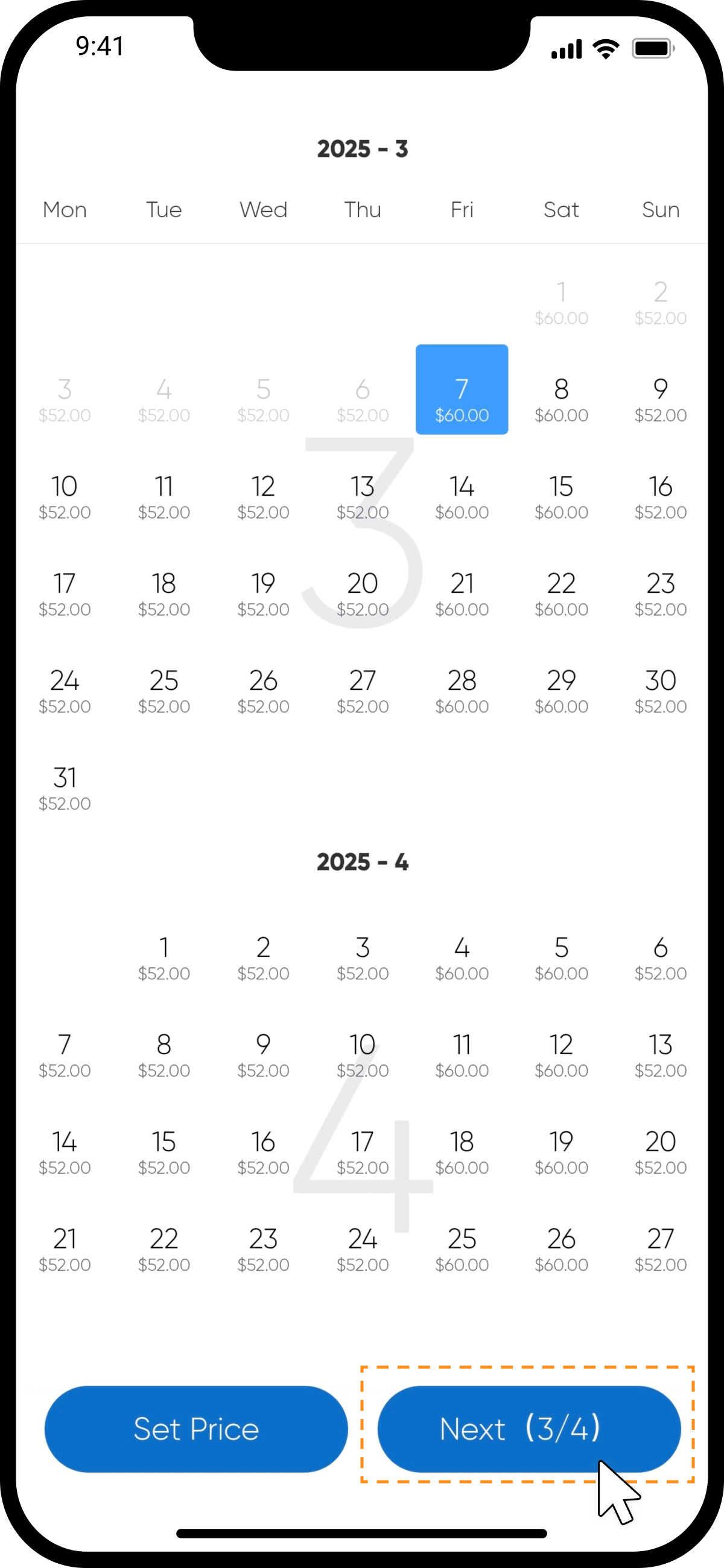
step6 Modify Daily Pricing and Availability
This section displays the results of the previous step's settings. You can adjust the price and availability for specific days. Once done, tap "Next".
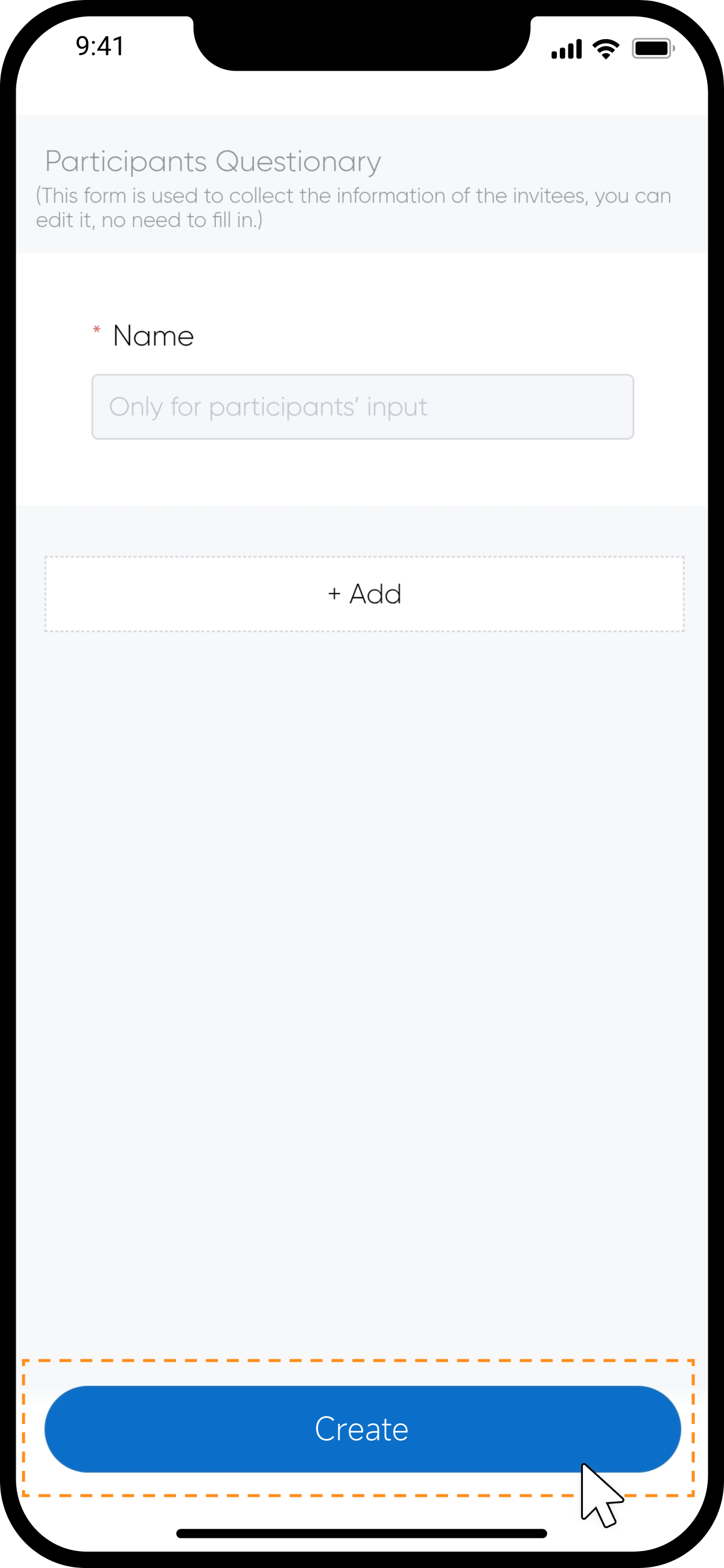
step7 Create a Guest Questionnaire
Use the form to gather information about your guests in advance. Set up the questions you want to ask, then tap "Create".
step8
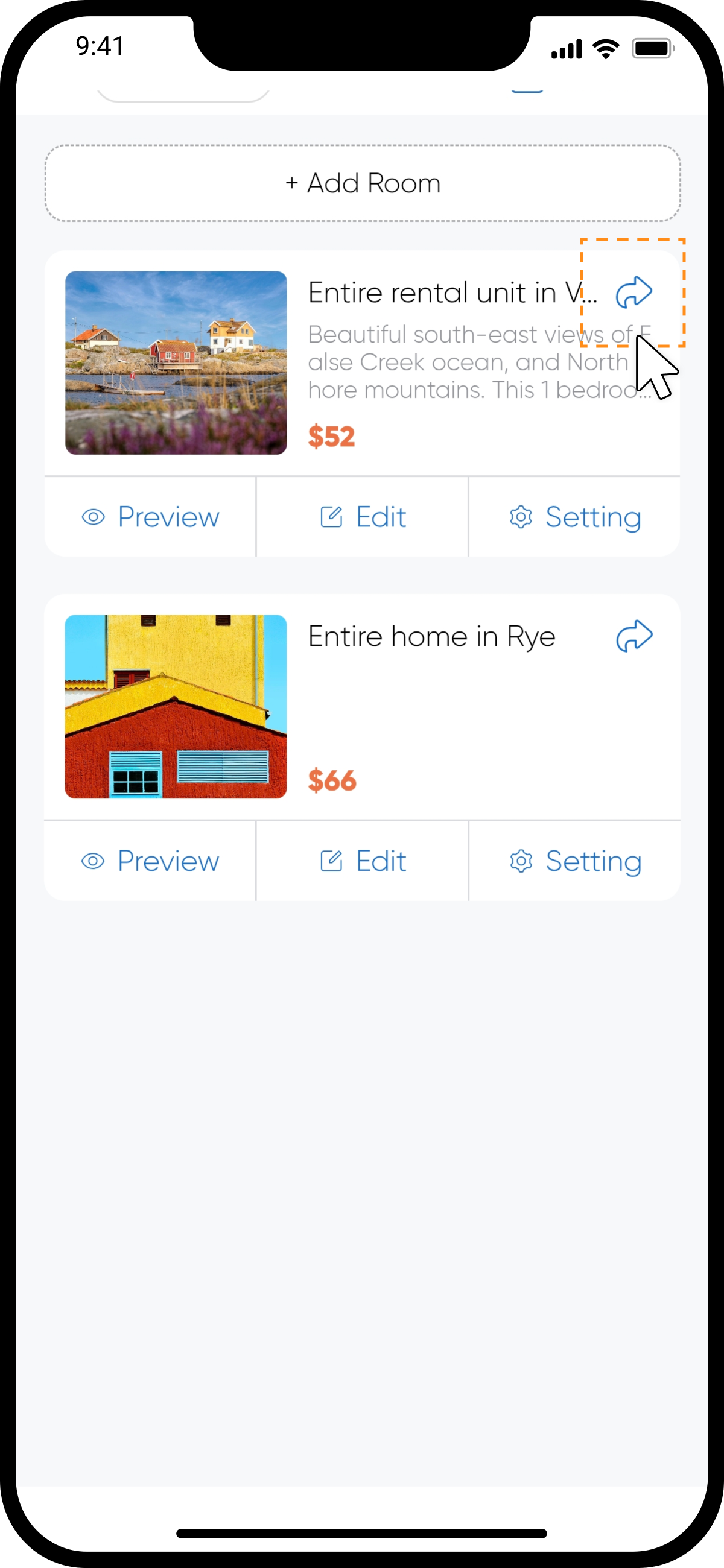
Once the room is created, it will appear in your listings. To share it quickly, tap the "Share" button in the top-right corner. Alternatively, you can publish it directly to Space.