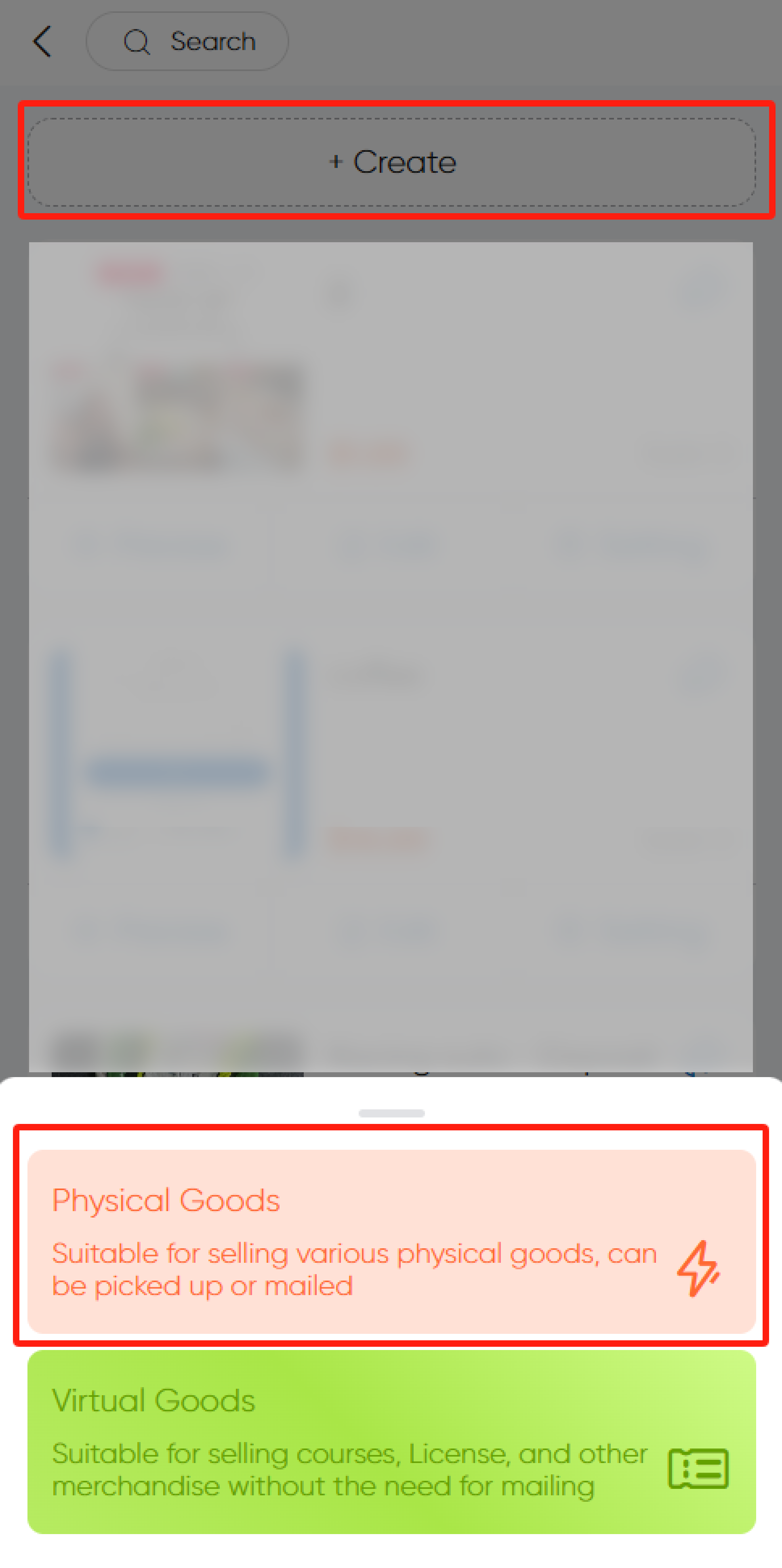
Step 1: Create Product
In Group Buying, click Create and select Physical Goods. This feature is for selling physical items, available for pickup or shipping.
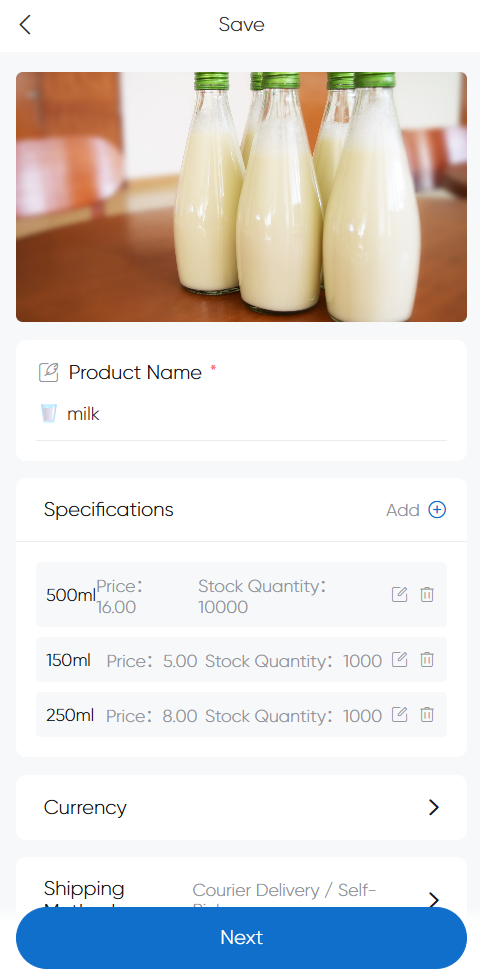
Step 2: Edit Product Details
Fill in product name, price, specifications, and description.
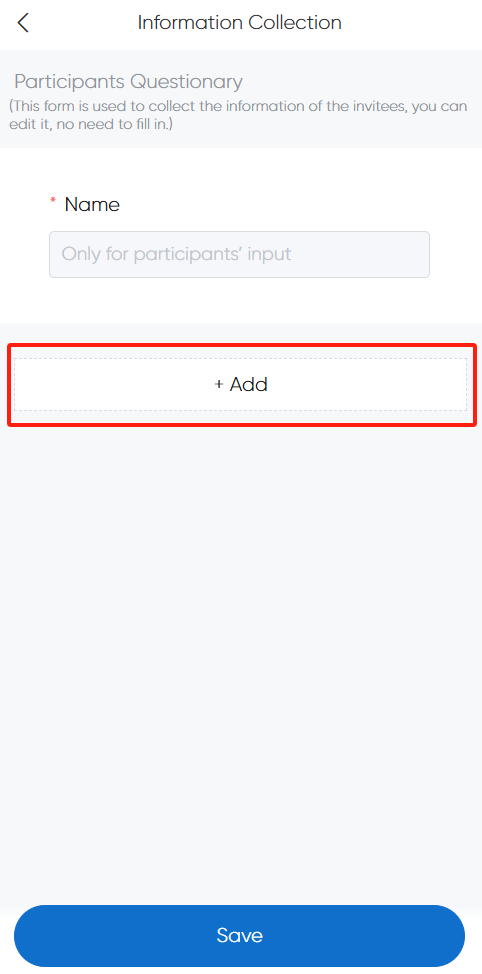
Step 3: Information Collection (Questionnaire)
Configure customer details to collect.
For shipped goods: No need to manually add an "address" field – selecting shipping automatically includes an address section during checkout.